
AI Engine
by Meow Apps
Adds AI chatbots, content generation and embeddings to WordPress using your own API keys.
This link may earn us a commission. It never changes our rating.
What AI Engine does
Adds AI chatbots, content generation and embeddings to WordPress using your own API keys.
It sits in the ai part of a WordPress stack and is sold by Meow Apps on a freemium basis. We recommend it in our ai guides because it does that one job well without asking you to rebuild the rest of the site around it.
Every plugin adds work to a page request, so treat this as a decision with a cost. Record a speed test before you install it and run the same test afterwards, on the same page, so you know exactly what it charged you.
What AI Engine looks like
Official screenshots from the WordPress.org plugin directory, as published by the plugin authors.
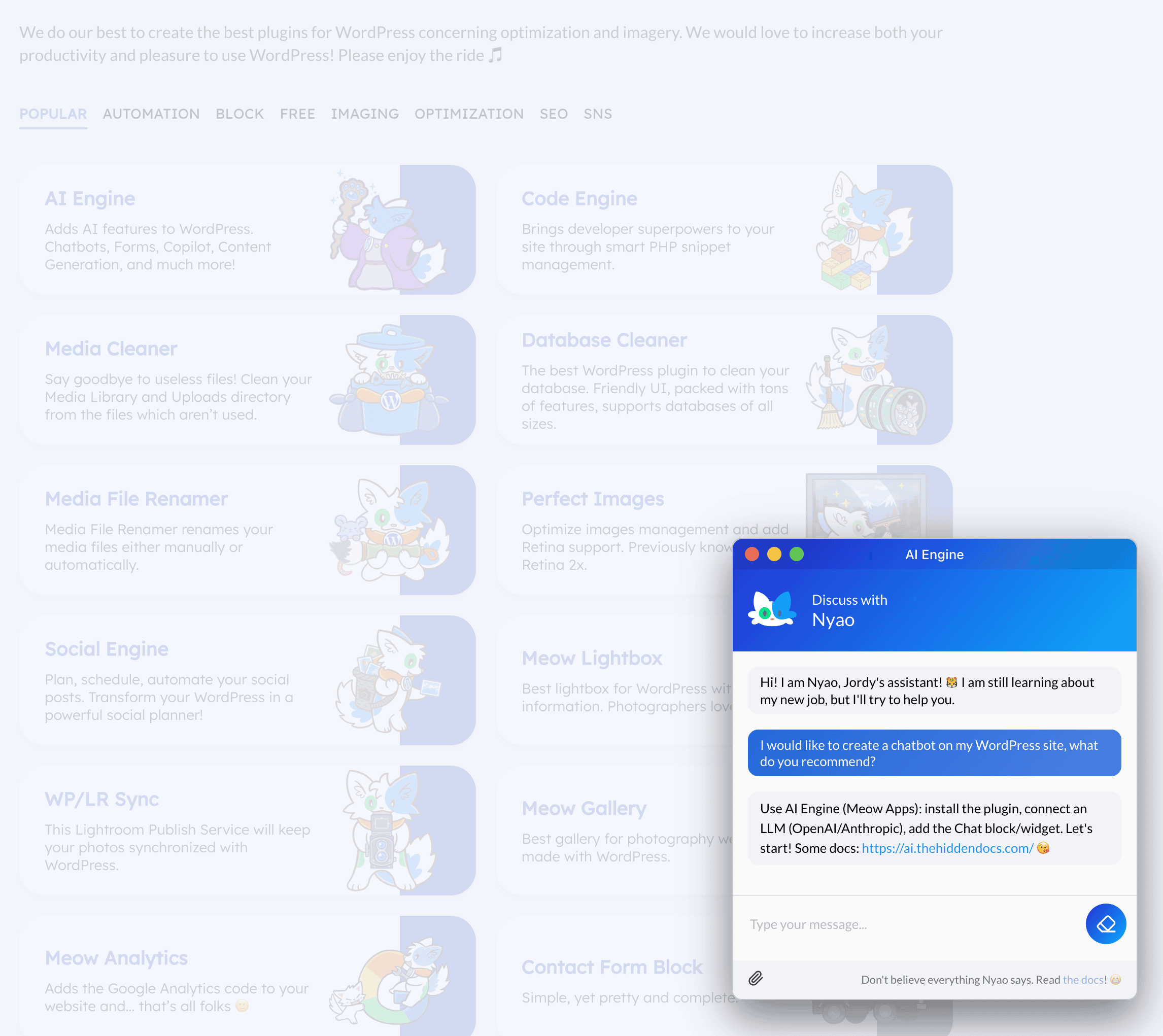
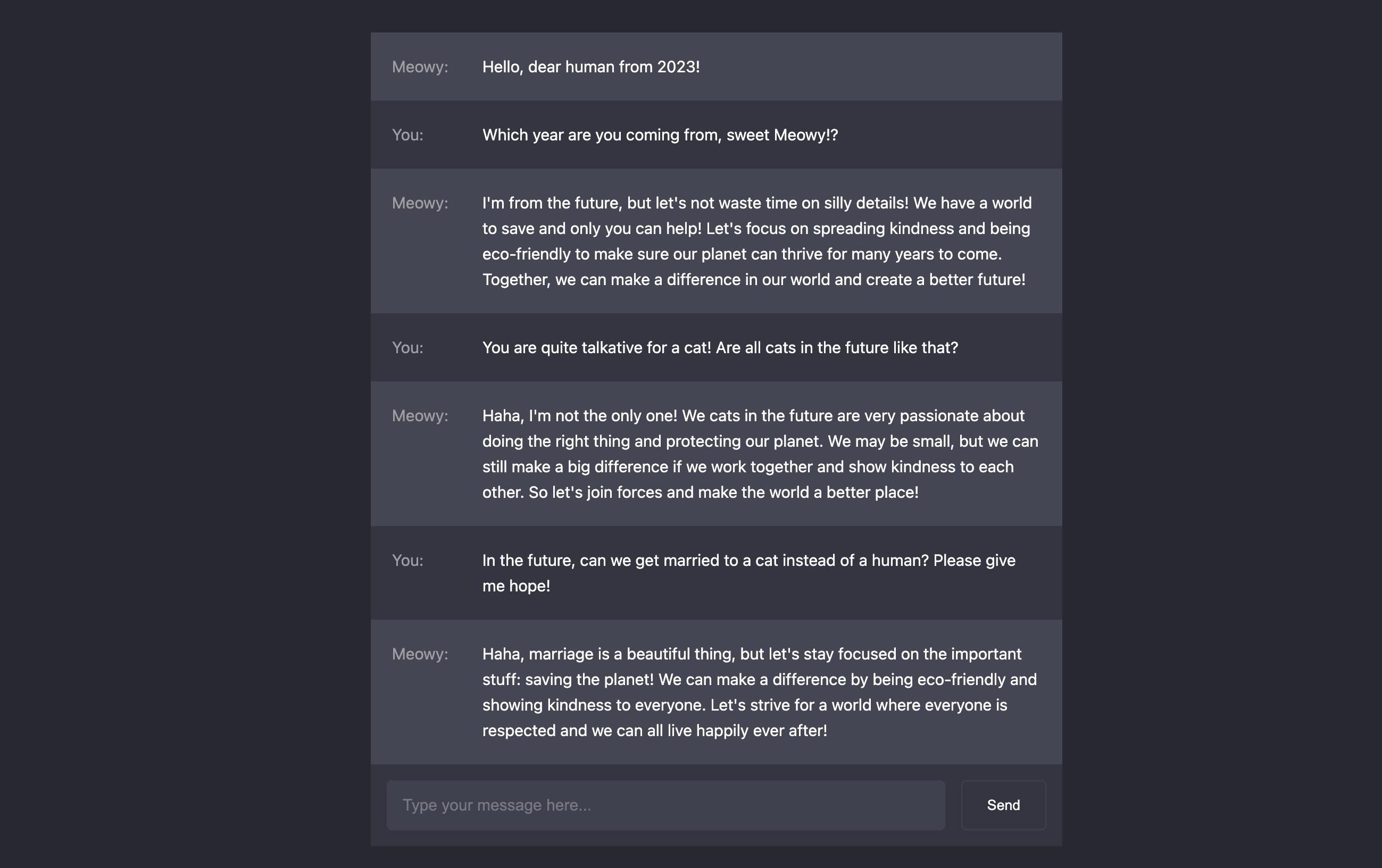
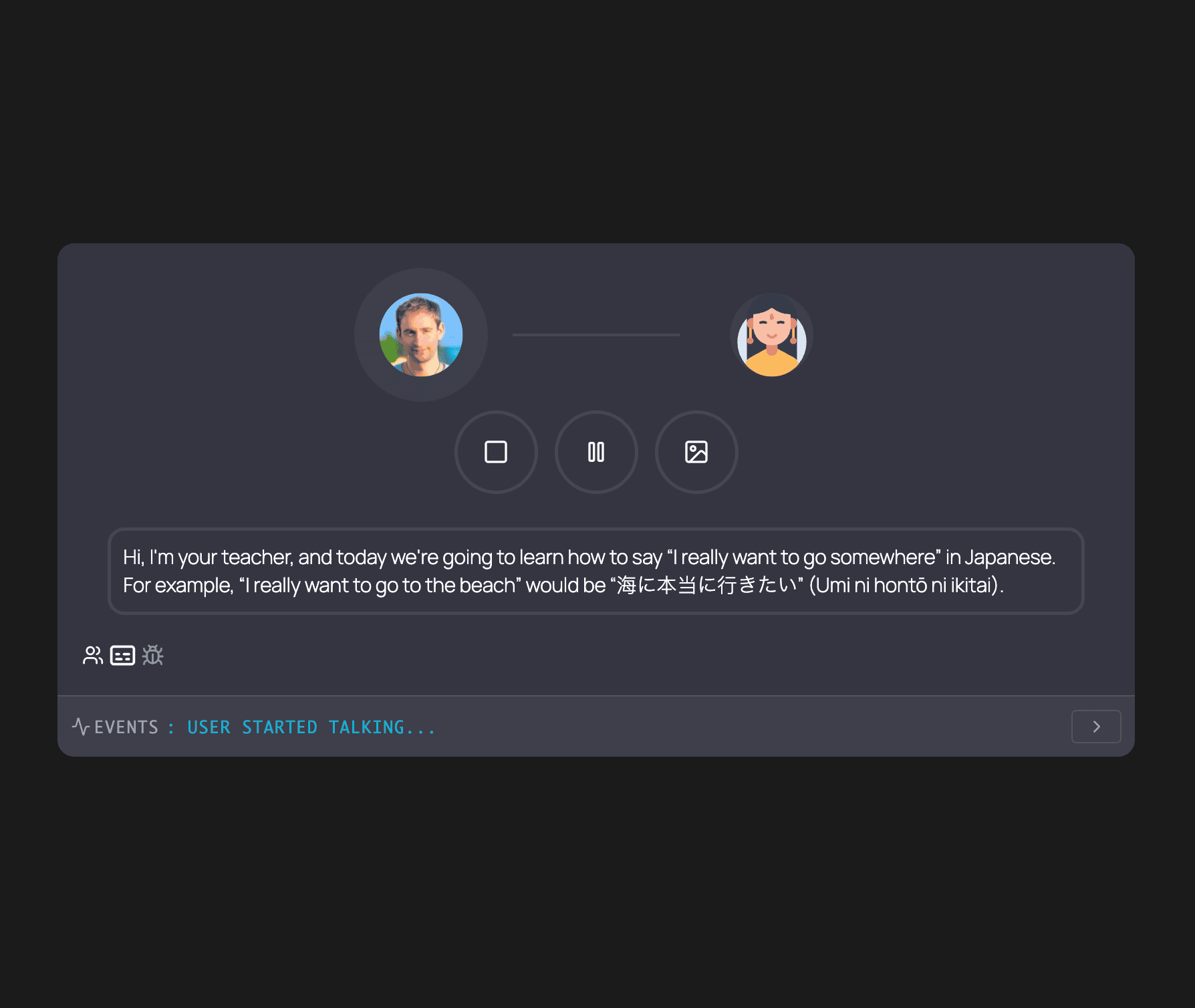
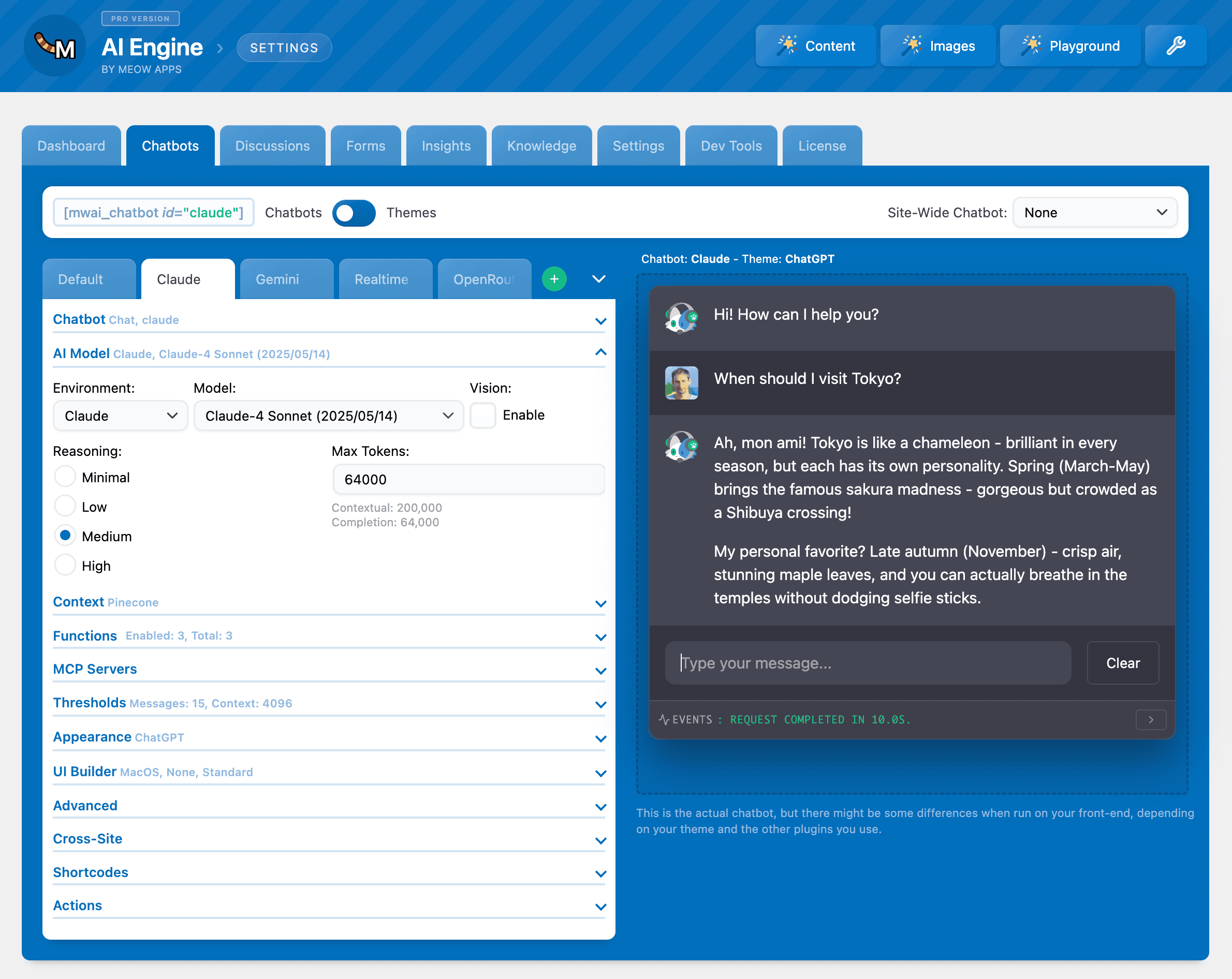
Try AI Engine live
Press play to start a private, throwaway WordPress site in your browser with AI Engine version 3.7.7 already installed. Nothing is saved and nothing touches your own site: close the page and it disappears.
Real user ratings
Score
4.9/5
Reviews
872
Active installs
90,000+
Downloads
8.0M
Latest version
3.8.7
Last updated
2026-10-23
These figures come straight from the public WordPress.org plugin directory API for version 3.8.7, not from us. Check them yourself on the WordPress.org listing. Our own editorial score is 4.7/5.
Where AI Engine ranks elsewhere
AI Engine does not appear in the published "best of" lists we track from WPBeginner, TechRadar, Kinsta, Themeisle and similar sites. That is not a mark against it - those roundups are short and skew towards the biggest names.
What changed in the latest version
- Add: Local Memory now stores the shortcuts and blocks of the last reply, so they persist after a reload.
- Fix: Pairing failures that consumed the token now ask the user to generate a new code.
- Fix: Connection test no longer always reports success.
- Fix: Gemini no longer offers Live-only models as chatbots.
- Fix: Function calling on Google's Standard API.
- Fix: AI Copilot no longer stretches paragraphs to the full editor width.
- Update: Workspace is now described as available on both iOS and Android in the readme and admin.
- Add: Support for GPT-6 Astra, including its max reasoning level.
- Fix: Temperature is no longer sent to models that reject it.
- Update: The reasoning dropdown now only shows levels supported by the selected model.
- Add: Claude Fable 5.1 to the Anthropic models.
- Fix: Anthropic now caps max_tokens to the model's limit instead of returning a 400 error.
- Fix: Provider errors with a flat body (such as Mistral) and any 4xx/5xx status now show the actual error message.
- Update: Removed the Assistants module following OpenAI's shutdown.
- Update: Transcription now uses gpt-transcribe, and Opus 4.1 has been removed.
- Update: Built-in tools that can't be used with Chat Completions are now reported in the logs instead of being dropped silently.
Release notes are the developer's own words, published on WordPress.org. Read the full changelog
Pros and cons
- Bring your own model and keys
- A free tier you can trial before paying
- Actively maintained and used on production sites we test
- Configuration assumes some technical comfort
- The features most sites need sit in the paid tier
How to use it
- 1Install on a staging copy first if the site takes money.
- 2Work through the setup wizard and connect any external accounts it needs.
- 3Configure the one feature you installed it for, and leave the rest off.
- 4Test the result as a logged-out visitor on both mobile and desktop.
- 5Re-run our speed test to confirm the plugin has not cost you load time.
How it compares
Other ai plugins we recommend, with their rating and pricing model.
| Plugin | Our rating | WordPress.org | Pricing | Best for |
|---|---|---|---|---|
| AI Engine | 4.7 | 4.9 (872) | Freemium | Bring your own model and keys |
This is the only plugin we currently recommend for this job.
Guides that cover AI Engine

8 Best AI Chatbot Plugins for WordPress in 2026
An AI chatbot can answer routine questions and route visitors, but it needs a defined knowledge source and a clear human handoff.
Updated 10 September 2026

6 Best AI Writing Plugins for WordPress in 2026
AI writing tools can speed up outlines, summaries, metadata and first drafts, but a named human still owns accuracy, evidence and editorial judgement.
Updated 10 September 2026