Max Mega Menu
by megamenu.com
Turns any WordPress menu into a configurable mega menu with widgets, icons and mobile behaviour.
This link may earn us a commission. It never changes our rating.
What Max Mega Menu does
Turns any WordPress menu into a configurable mega menu with widgets, icons and mobile behaviour.
It sits in the navigation part of a WordPress stack and is sold by megamenu.com on a freemium basis. We recommend it in our navigation guides because it does that one job well without asking you to rebuild the rest of the site around it.
Every plugin adds work to a page request, so treat this as a decision with a cost. Record a speed test before you install it and run the same test afterwards, on the same page, so you know exactly what it charged you.
What Max Mega Menu looks like
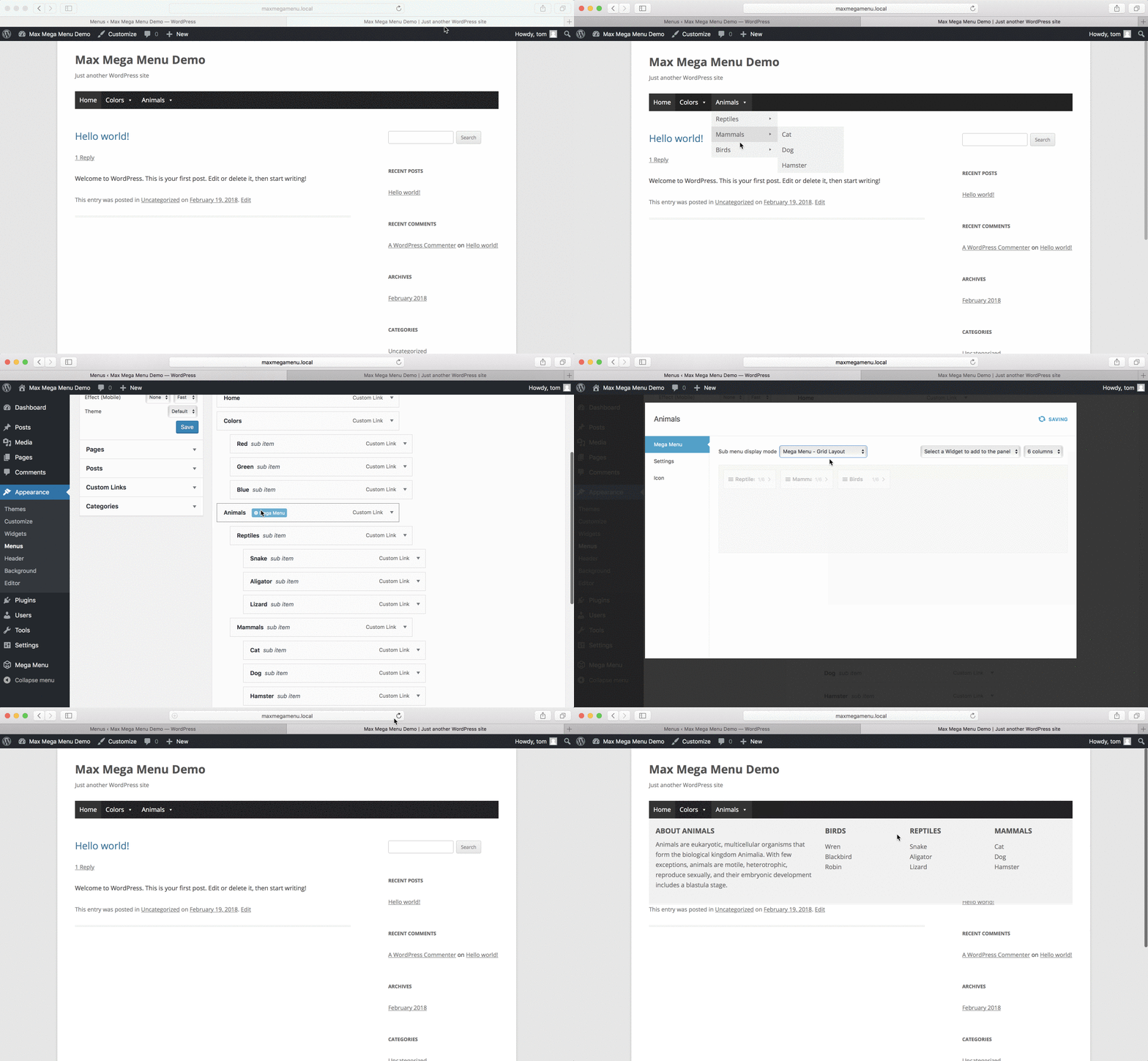
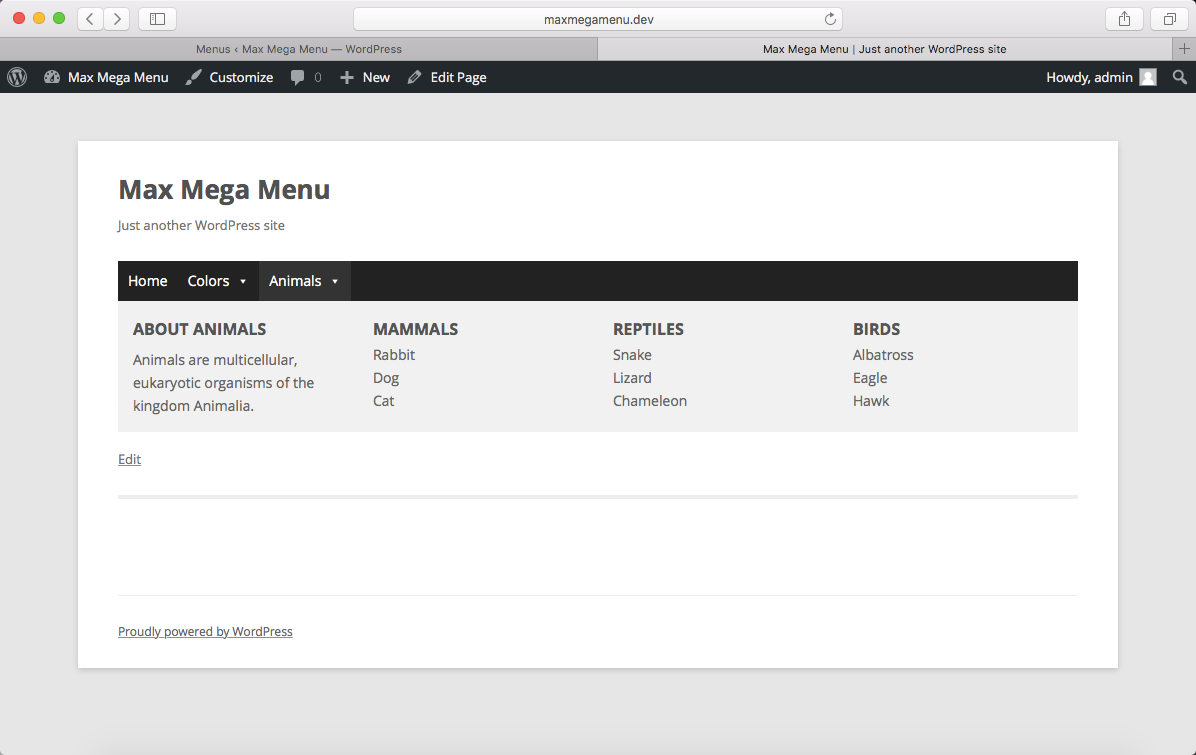
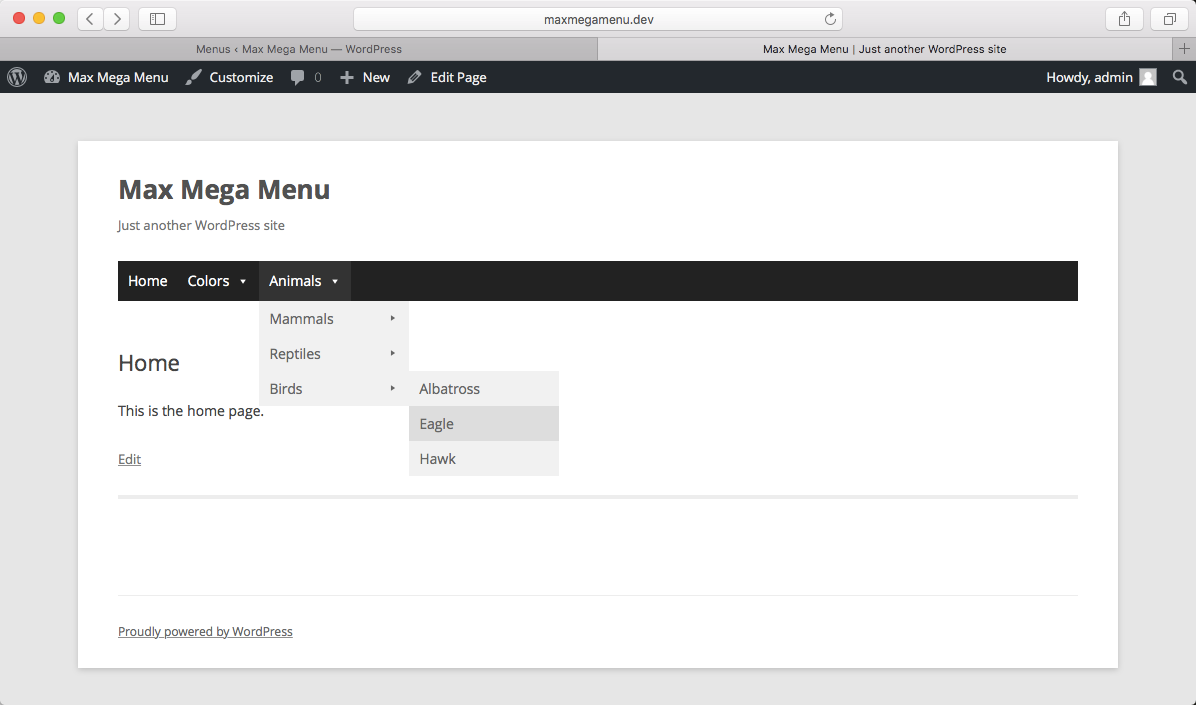
Official screenshots from the WordPress.org plugin directory, as published by the plugin authors.

Try Max Mega Menu live
Press play to start a private, throwaway WordPress site in your browser with Max Mega Menu version 3.10.7 already installed. Nothing is saved and nothing touches your own site: close the page and it disappears.
Real user ratings
Score
4.8/5
Reviews
880
Active installs
300,000+
Downloads
13.1M
Latest version
3.10.8
Last updated
2026-09-14
These figures come straight from the public WordPress.org plugin directory API for version 3.10.8, not from us. Check them yourself on the WordPress.org listing. Our own editorial score is 4.6/5.
Where Max Mega Menu ranks elsewhere
Max Mega Menu does not appear in the published "best of" lists we track from WPBeginner, TechRadar, Kinsta, Themeisle and similar sites. That is not a mark against it - those roundups are short and skew towards the biggest names.
What changed in the latest version
- Fix: Material Symbols icon picker: load font-face styles in wp-admin
- Fix: WPML compatibility - menu item depth detection could fail on PHP 8 when a synced translation's parent ID was missing, breaking Mega Menu grid layouts for affected items
- Fix: Menu item modal - lower z-index so third-party builders opened from within it (e.g. SiteOrigin Page Builder's "Layout Builder" widget) render above it instead of hidden underneath
- Fix: Theme editor - saving could submit stale/empty content for CodeMirror-backed fields (e.g. Pro's toggle bar HTML block) if saved before the field's own change handler had run
- Improvement: Divi integration - set overflow: visible; on header row when Max Mega Menu is present within
- Improvement: Divi integration - remove unnecessary file include
- Improvement: Add filters to allow Pro users to choose Font Awesome icons in icon pickers
- Improvement: Add debug option to show full menu scss
- Fix: Gentle refactor of maxmegamenu.js, fix tab key navigation for sliding panels mobile menu
- Fix: Fatal error with Divi 5 in some shared environments
- Fix: Close icon not appearing on mobile menu
- New: Breakdance native module - add a Max Mega Menu Location module to your page layout via the Breakdance Builder
Release notes are the developer's own words, published on WordPress.org. Read the full changelog
Pros and cons
- Menu building without touching theme code
- A free tier you can trial before paying
- Actively maintained and used on production sites we test
- Adds its own CSS and JS to every page
- The features most sites need sit in the paid tier
How to use it
- 1Install on a staging copy first if the site takes money.
- 2Work through the setup wizard and connect any external accounts it needs.
- 3Configure the one feature you installed it for, and leave the rest off.
- 4Test the result as a logged-out visitor on both mobile and desktop.
- 5Re-run our speed test to confirm the plugin has not cost you load time.
How it compares
Other navigation plugins we recommend, with their rating and pricing model.
| Plugin | Our rating | WordPress.org | Pricing | Best for |
|---|---|---|---|---|
| Max Mega Menu | 4.6 | 4.8 (880) | Freemium | Menu building without touching theme code |
This is the only plugin we currently recommend for this job.