
MonsterInsights
by Awesome Motive
Brings Google Analytics reporting into the WordPress dashboard with ecommerce, form and scroll tracking preconfigured.
This link may earn us a commission. It never changes our rating.
What MonsterInsights does
Brings Google Analytics reporting into the WordPress dashboard with ecommerce, form and scroll tracking preconfigured.
It sits in the analytics part of a WordPress stack and is sold by Awesome Motive on a freemium basis. We recommend it in our analytics guides because it does that one job well without asking you to rebuild the rest of the site around it.
Every plugin adds work to a page request, so treat this as a decision with a cost. Record a speed test before you install it and run the same test afterwards, on the same page, so you know exactly what it charged you.
What MonsterInsights looks like
Official screenshots from the WordPress.org plugin directory, as published by the plugin authors.

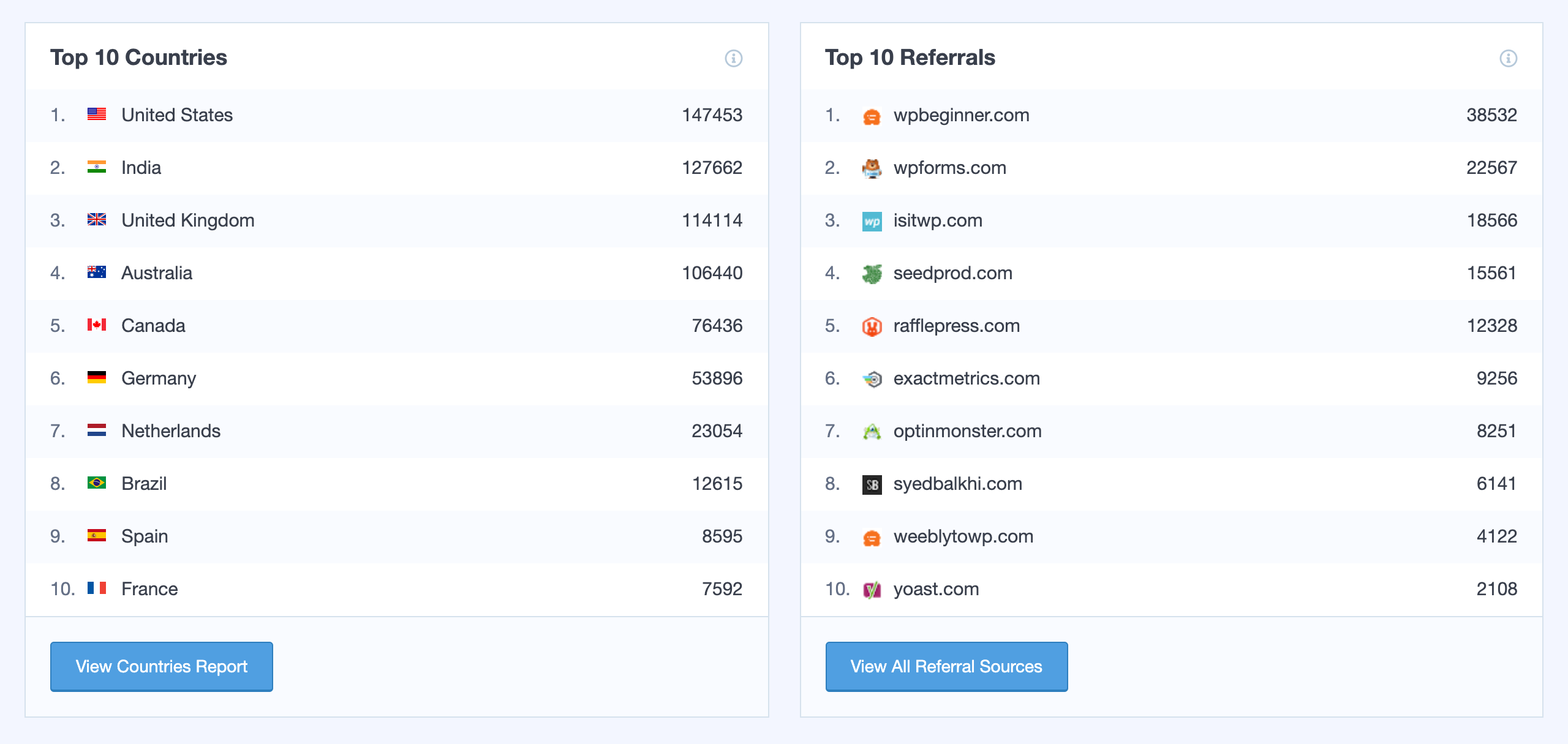

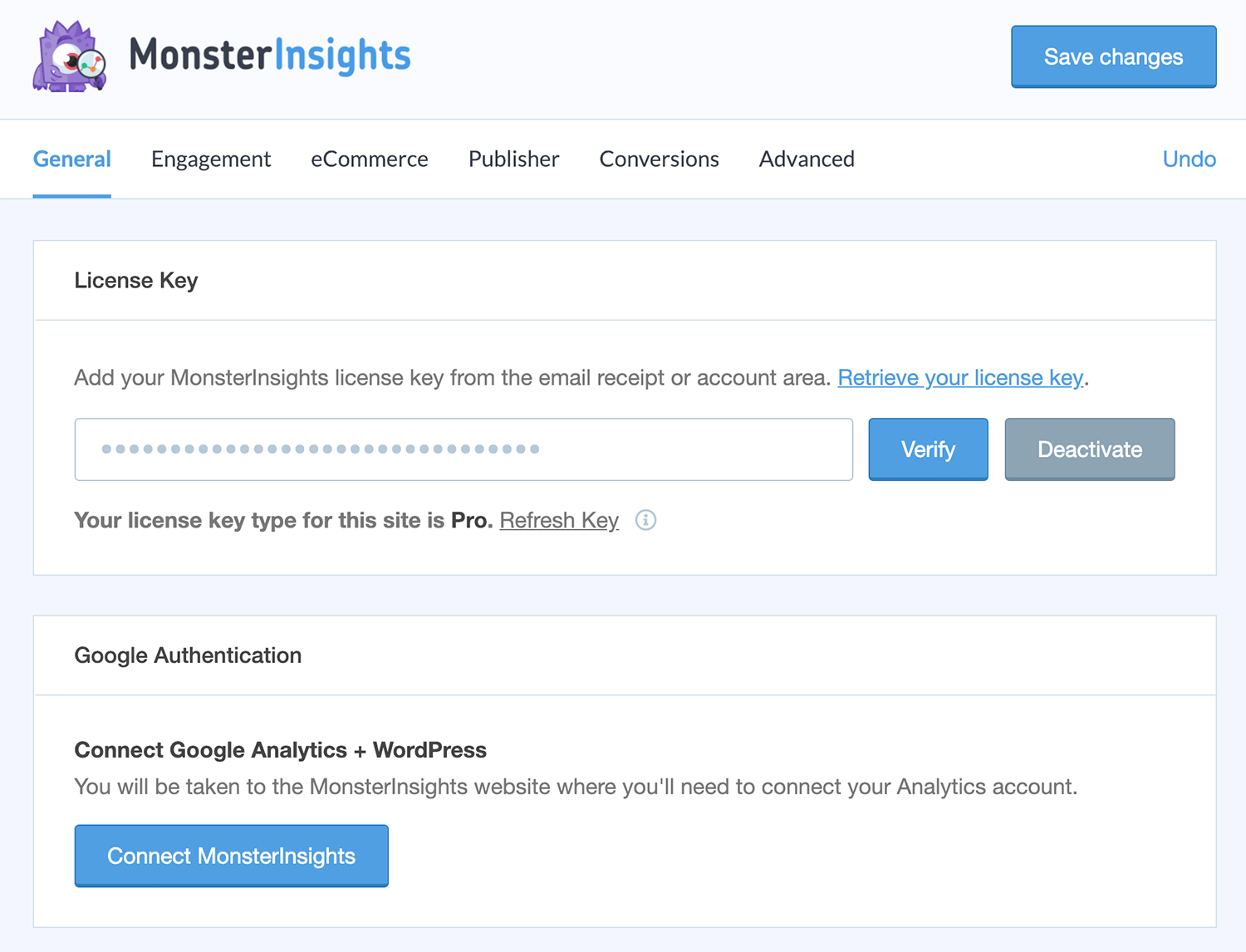
Try MonsterInsights live
Press play to start a private, throwaway WordPress site in your browser with MonsterInsights version 11.2.0 already installed. Nothing is saved and nothing touches your own site: close the page and it disappears.
Real user ratings
Score
4.5/5
Reviews
3,156
Active installs
2,000,000+
Downloads
281.9M
Latest version
11.3.0
Last updated
2026-09-16
These figures come straight from the public WordPress.org plugin directory API for version 11.3.0, not from us. Check them yourself on the WordPress.org listing. Our own editorial score is 4.5/5.
Where MonsterInsights ranks elsewhere
| Publisher | List | Position |
|---|---|---|
| WPBeginner | Must Have WordPress Plugins for Every Website | #5 of 24 |
| WPBeginner | Best WooCommerce Plugins for Your Store | #6 of 32 |
| Elegant Themes | Best WordPress Plugins | #9 of 40 |
| WPBeginner | Best WordPress eCommerce Plugins | #11 of 12 |
Positions are read from the published articles themselves, so they reflect that publisher's order rather than ours. Lists get re-ordered over time, so follow the link if you want the current version.
What changed in the latest version
- Fixes: Every report view honours the sample-data toggle, so sample rows no longer mix in with your real numbers
- Fixes: Rows in sample reports no longer link out to live pages
- Fixes: An expired Google connection now prompts you to reconnect instead of showing a report error
- Fixes: Dashboard widget shows the upgrade prompt for reports your plan doesn't include, instead of an error
- Fixes: Upgrade links on paid plans now open the pricing page instead of the account area
- Fixes: Dashboard widget no longer links to reports that have been disabled
- Fixes: No more false "multiple tracking codes" notice on eCommerce homepages
- Fixes: Previous-period totals now match the rows the table actually shows
- WP 7.1: Popular Posts blocks work in the iframed block editor
- Fixes: Report tables show row numbers again and the expand arrow is back on the right side
- Fixes: Report table empty and loading states are centered again
- Fixes: Older report links no longer land on a blank screen
- Fixes: Headline Analyzer no longer crashes synced patterns in the block editor
- Fixes: Setup wizard no longer lands on another plugin's onboarding screen
- Fixes: Security hardening for license actions and credential handling
- Fixes: Various bug fixes and updates
- Enhancements: Security hardening across admin and reporting requests
- Fixes: Charts no longer break when another plugin loads its own copy of ApexCharts
- Fixes: Reduced admin notification requests that could trip firewall rate limits
- Fixes: Various bug fixes and updates
Release notes are the developer's own words, published on WordPress.org. Read the full changelog
Pros and cons
- Analytics setup without touching code
- A free tier you can trial before paying
- Actively maintained and used on production sites we test
- Reporting features are mostly premium
- The features most sites need sit in the paid tier
How to use it
- 1Install on a staging copy first if the site takes money.
- 2Work through the setup wizard and connect any external accounts it needs.
- 3Configure the one feature you installed it for, and leave the rest off.
- 4Test the result as a logged-out visitor on both mobile and desktop.
- 5Re-run our speed test to confirm the plugin has not cost you load time.
How it compares
Other analytics plugins we recommend, with their rating and pricing model.
| Plugin | Our rating | WordPress.org | Pricing | Best for |
|---|---|---|---|---|
| MonsterInsights | 4.5 | 4.5 (3,156) | Freemium | Analytics setup without touching code |
This is the only plugin we currently recommend for this job.
Guides that cover MonsterInsights

15 Best Content Marketing Tools and Plugins for WordPress in 2026
A useful stack connects research, production, distribution, conversion and measurement. Overlapping plugins just add scripts and conflicting reports.
Updated 10 September 2026

7 Best Geotargeting WordPress Plugins for Localized Marketing in 2026
Location signals are estimates, not facts. Use them as a helpful default and always give visitors a clear way to correct them.
Updated 10 September 2026