Twenty Twenty-Five
WordPress.org · Free · 4/5
The current default block theme, shipping with a broad set of patterns and style variations.

by WordPress.org
The default WordPress block theme, designed to suit almost any type of site.
This link may earn us a commission. It never changes our rating.
The default WordPress block theme, designed to suit almost any type of site.
It sits in the default part of the theme market and is sold by WordPress.org on a free basis. A theme decides your layout, your typography and a large slice of your page weight, so it is the hardest thing on a WordPress site to change later.
Before you commit, record a speed test of your current site, then run the same test after you switch, on the same page, so you can see exactly what the new theme costs you.
The official screenshot from the WordPress.org theme directory, as published by the theme authors.
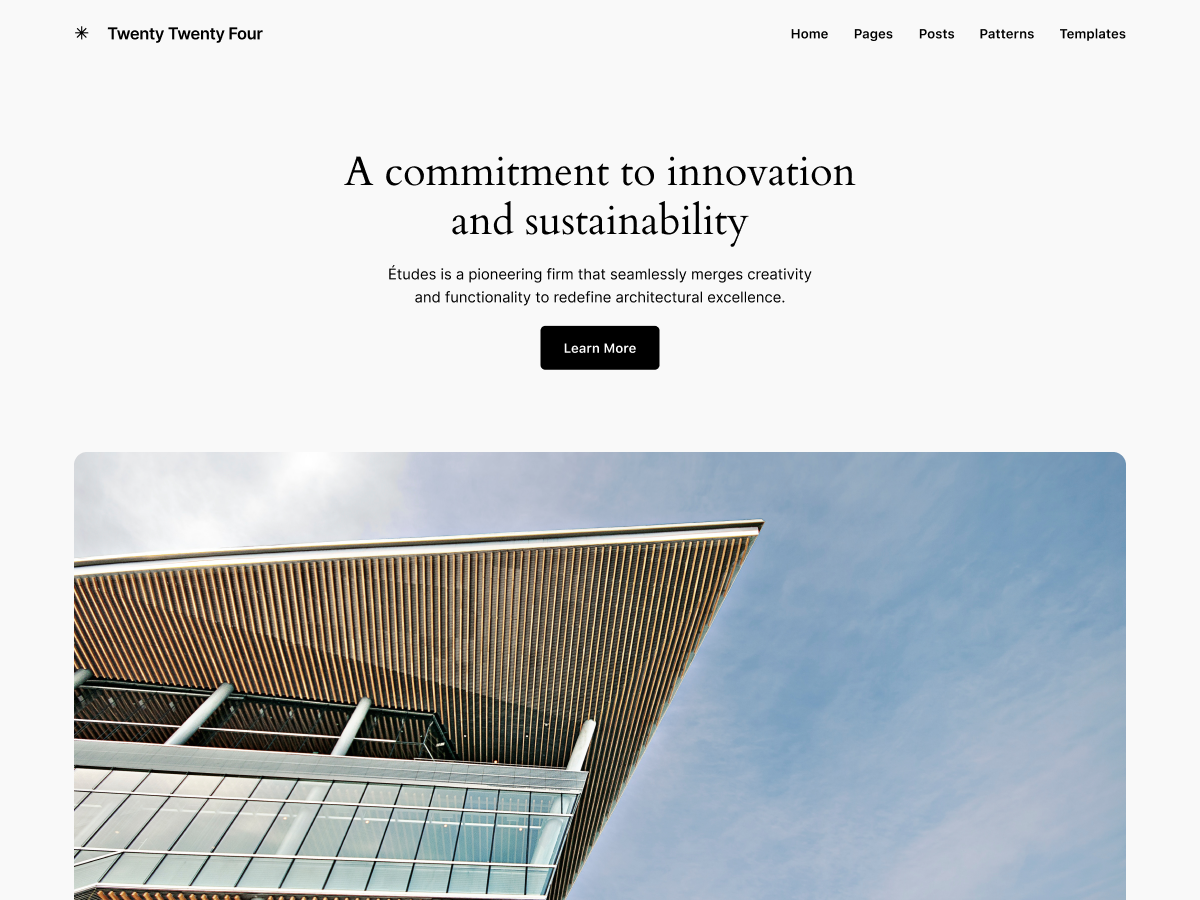
See it running on a live demo site at the WordPress.org preview.
Score
3.8/5
Reviews
39
Active installs
500,000+
Downloads
10.1M
Latest version
1.6
Last updated
2026-08-19
Figures come straight from the public WordPress.org theme directory API for version 1.6. You can check them yourself on the WordPress.org listing.
Twenty Twenty-Four does not appear in the published "best of" lists we track from WPBeginner, TechRadar, Kinsta, Themeisle and similar sites. That is not a mark against it - those roundups are short and skew towards the biggest names.
Release notes are the developer's own words, published on WordPress.org. Read the full changelog
Try the live demo first, then install from the official source. It takes about five minutes.
Live demo
Open previewWhere to download it
Twenty Twenty-Four is in the free WordPress.org theme directory, so you can install it straight from your dashboard, or grab the zip from the listing.
Always try a theme switch on a staging copy first if the site is already earning.
Other default themes we recommend, with their public WordPress.org score where one exists.
| Theme | Rating | Reviews | Pricing | Best for |
|---|---|---|---|---|
| Twenty Twenty-Four | 3.8/5 | 39 | Free | Pure block theme with no vendor lock-in and full site editing support. |
| Twenty Twenty-Five | 4/5 | 14 | Free | Full site editing support with no third-party dependencies. |
| Twenty Twenty-Three | 3.4/5 | 61 | Free | Extremely small and quick to load. |

Dark design suits photography, portfolios and premium products, but only when contrast, states and type stay readable.
Updated 10 September 2026
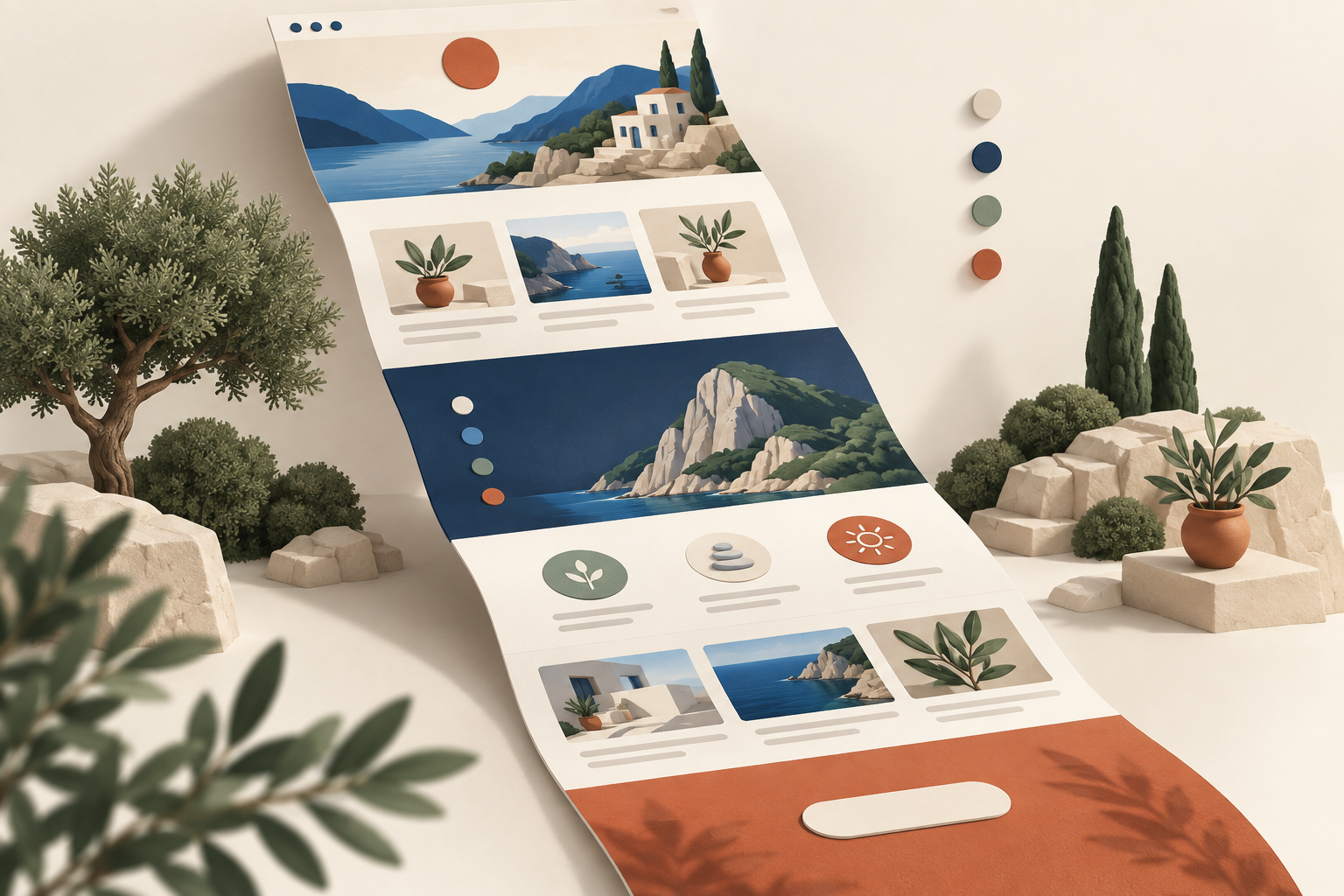
One-page layouts work when the visitor has a single decision to make. Here is how to pick one and where the format breaks.
Updated 10 September 2026
Alternatives
WordPress.org · Free · 4/5
The current default block theme, shipping with a broad set of patterns and style variations.
WordPress.org · Free · 3.4/5
A minimal default block theme built around ten style variations rather than heavy layout options.