
Elementor
by Elementor
The most widely installed visual page builder, with drag and drop layouts, theme building and a huge widget library.
This link may earn us a commission. It never changes our rating.
What Elementor does
The most widely installed visual page builder, with drag and drop layouts, theme building and a huge widget library.
It sits in the page builder part of a WordPress stack and is sold by Elementor on a freemium basis. We recommend it in our page builder guides because it does that one job well without asking you to rebuild the rest of the site around it.
Every plugin adds work to a page request, so treat this as a decision with a cost. Record a speed test before you install it and run the same test afterwards, on the same page, so you know exactly what it charged you.
What Elementor looks like
Official screenshots from the WordPress.org plugin directory, as published by the plugin authors.
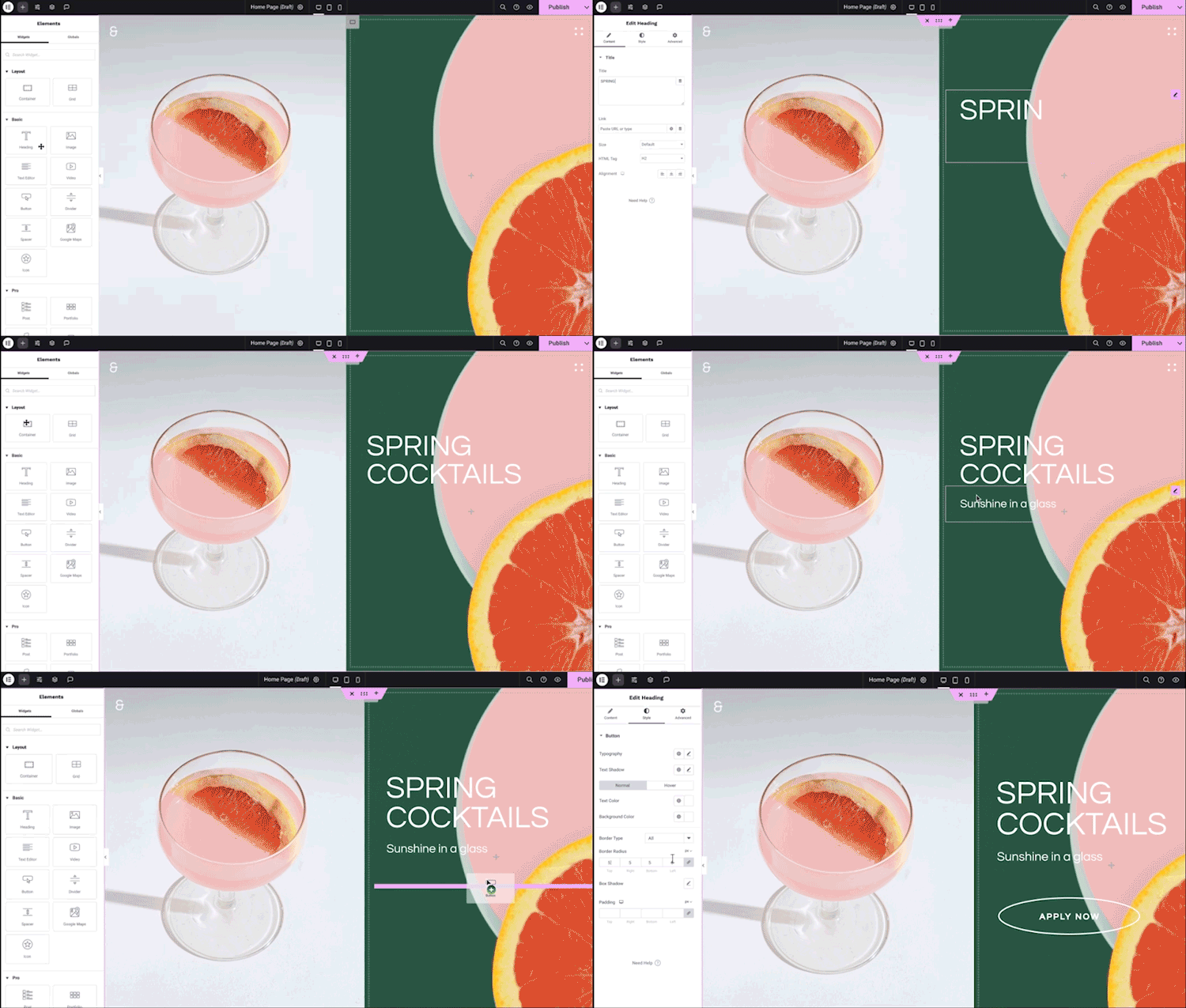
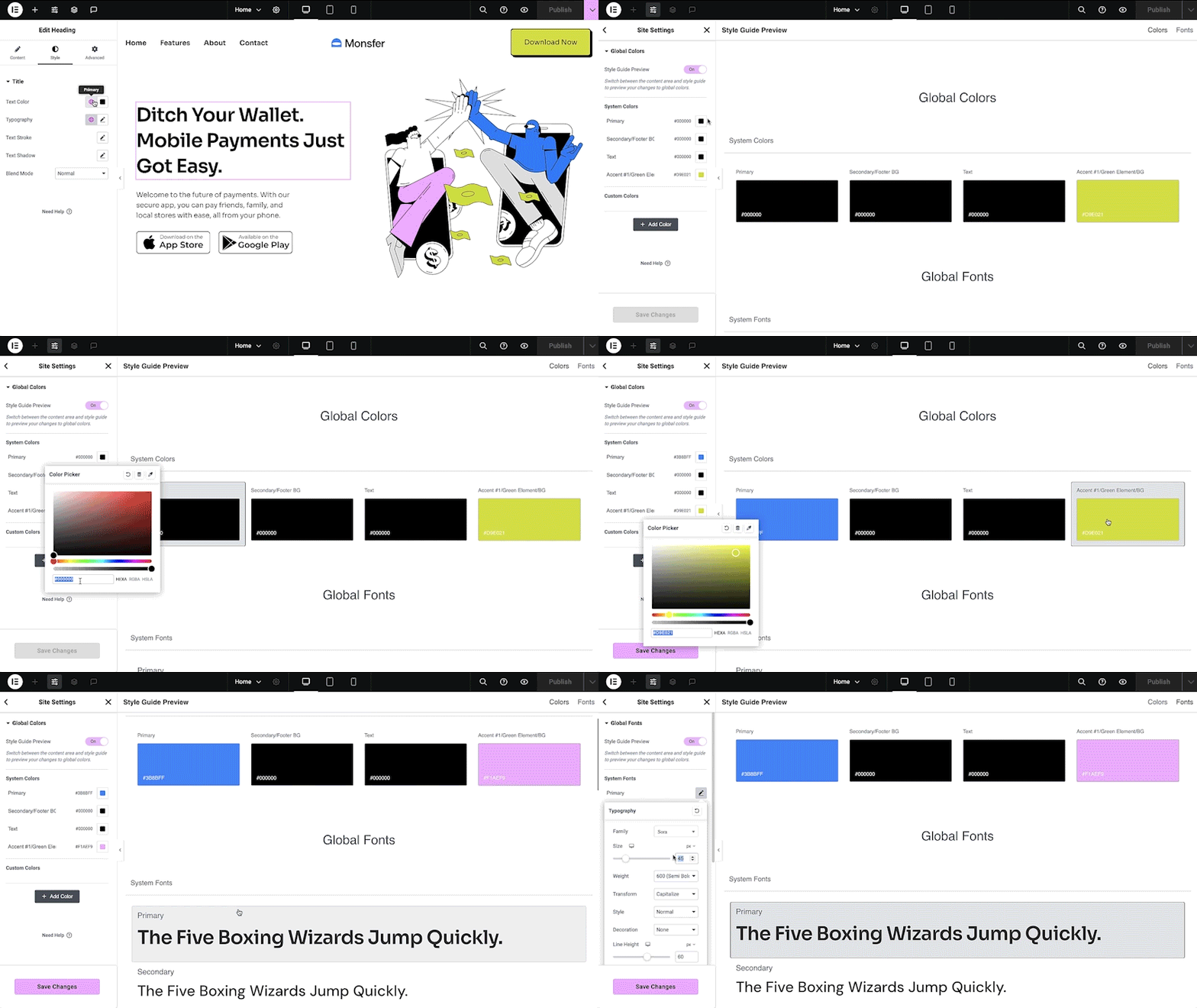
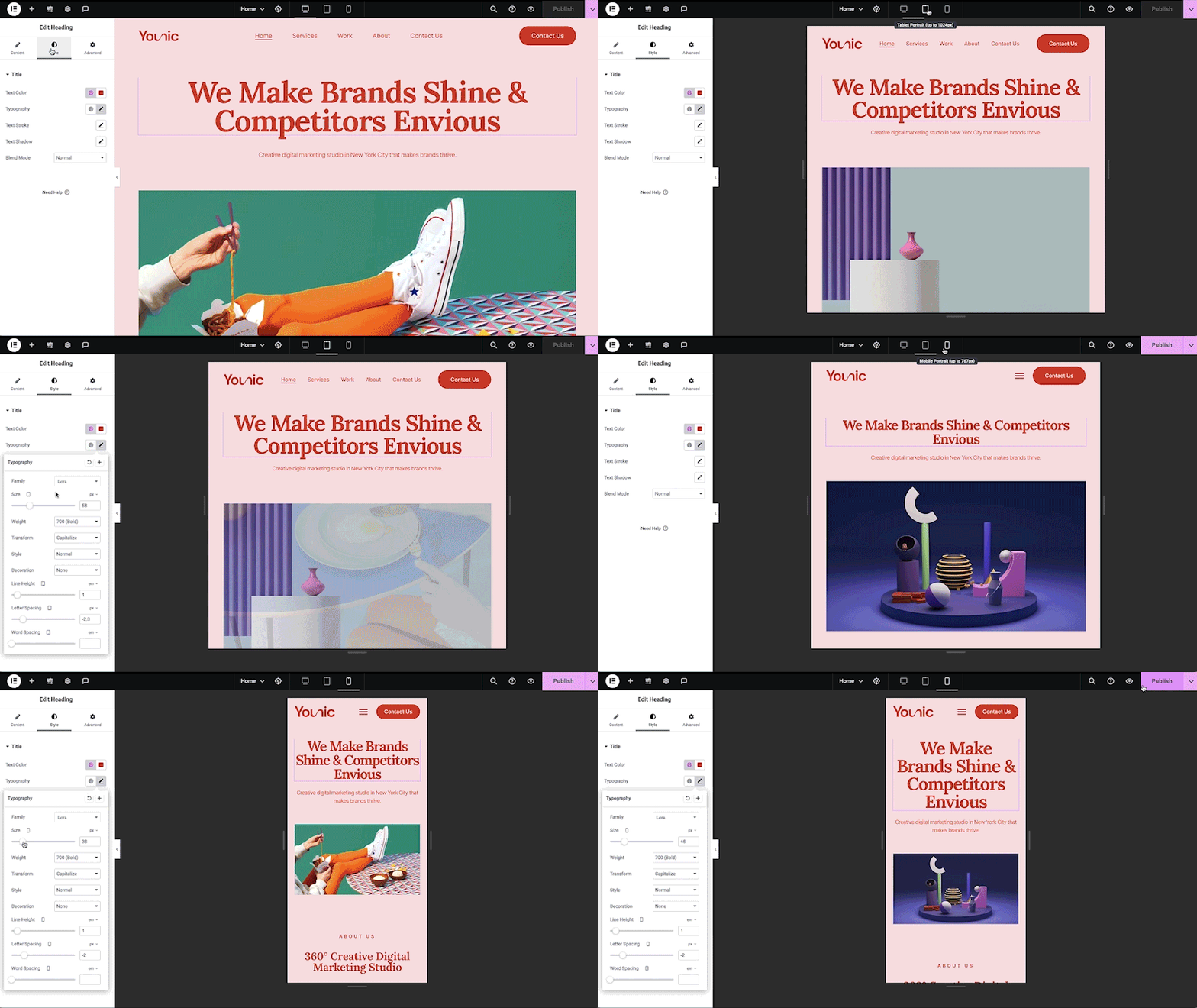
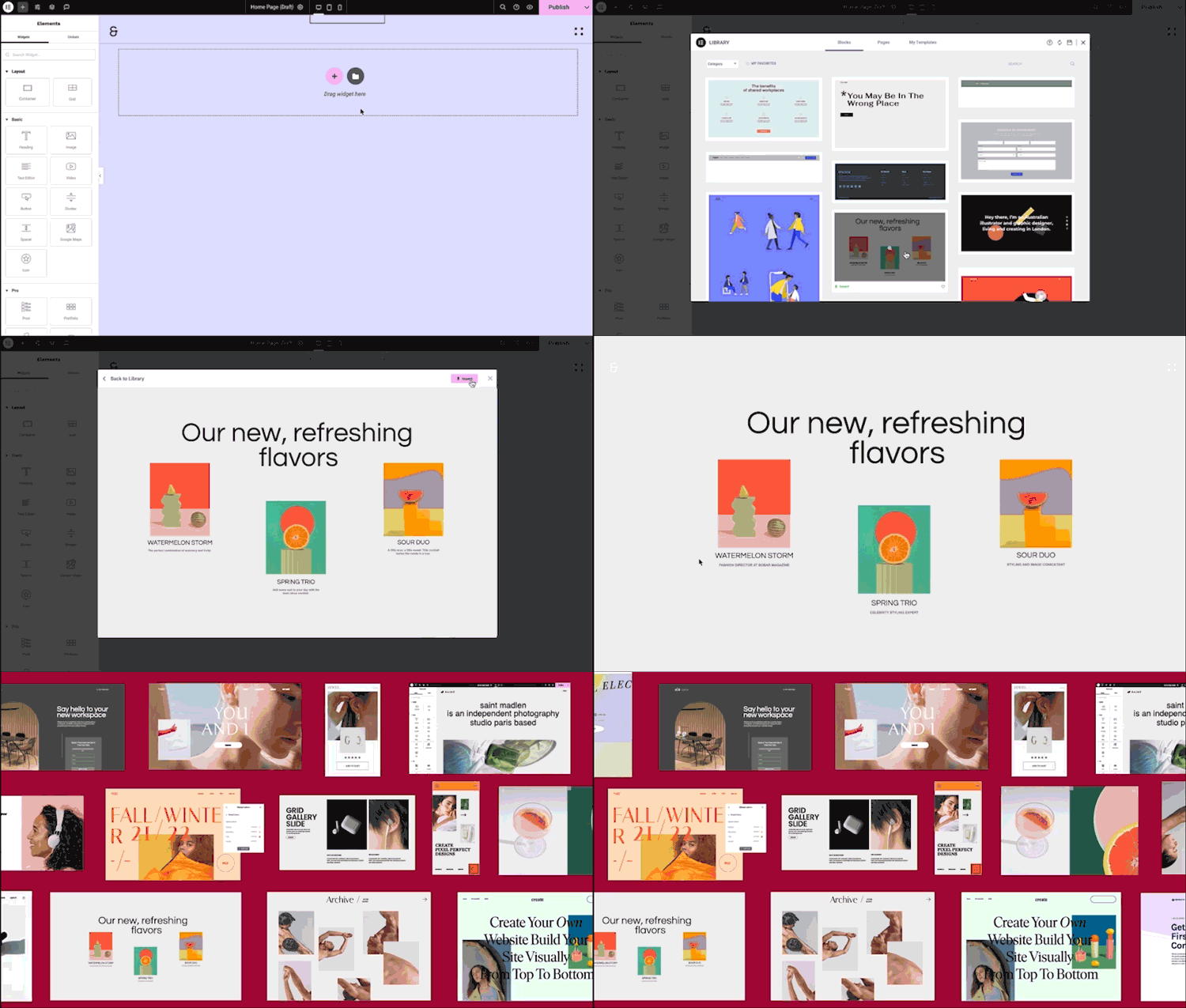
Try Elementor live
Press play to start a private, throwaway WordPress site in your browser with Elementor version 4.2.4 already installed. Nothing is saved and nothing touches your own site: close the page and it disappears.
Real user ratings
Score
4.5/5
Reviews
7,320
Active installs
10,000,000+
Downloads
910.8M
Latest version
4.3.5
Last updated
2026-10-13
These figures come straight from the public WordPress.org plugin directory API for version 4.3.5, not from us. Check them yourself on the WordPress.org listing. Our own editorial score is 4.5/5.
Where Elementor ranks elsewhere
| Publisher | List | Position |
|---|---|---|
| WPBeginner | Best WordPress Page Builder Plugins | #5 of 15 |
Positions are read from the published articles themselves, so they reflect that publisher's order rather than ours. Lists get re-ordered over time, so follow the link if you want the current version.
What changed in the latest version
- Tweak: Updated WordPress compatibility to version 7.1
- Fix: Improved code security enforcement in query handling
- Fix: Improved code security enforcement in template handling
- Fix: Invalid style properties prevent pages from being published
- Fix: Editor top bar integrations may not appear in non-English languages
Release notes are the developer's own words, published on WordPress.org. Read the full changelog
Pros and cons
- You can design any layout without touching code
- A free tier you can trial before paying
- Actively maintained and used on production sites we test
- Builder pages add CSS and JavaScript weight you have to manage
- The features most sites need sit in the paid tier
How to use it
- 1Install on a staging copy first if the site takes money.
- 2Work through the setup wizard and connect any external accounts it needs.
- 3Configure the one feature you installed it for, and leave the rest off.
- 4Test the result as a logged-out visitor on both mobile and desktop.
- 5Re-run our speed test to confirm the plugin has not cost you load time.
How it compares
Other page builder plugins we recommend, with their rating and pricing model.
| Plugin | Our rating | WordPress.org | Pricing | Best for |
|---|---|---|---|---|
| Elementor | 4.5 | 4.5 (7,320) | Freemium | You can design any layout without touching code |
| ElementsKit | 4.9 | 4.9 (2,050) | Freemium | Mega menu and header builder in the free tier |
| Essential Addons for Elementor | 4.9 | 4.9 (4,132) | Freemium | Covers nearly every widget people install Elementor for |
Guides that cover Elementor

8 Best WooCommerce Wishlist Plugins for 2026
Wishlists help shoppers save, compare and share products. The trick is doing it without slowing product pages or misusing the data.
Updated 10 September 2026

7 Best WooCommerce Preorder Plugins for 2026
Preorders work when the release date, charge timing, cancellation policy and stock position are obvious to the customer before they pay.
Updated 10 September 2026
Alternatives
Other page builder plugins
ElementsKit
Wpmet
An Elementor add-on pack with mega menu, header and footer builder and dozens of extra widgets.
2,050 reviews · 57.2M downloads · v4.0.9
Essential Addons for Elementor
WPDeveloper
The largest Elementor widget library, adding sliders, tabs, pricing tables and WooCommerce elements.
4,132 reviews · 136.2M downloads · v6.8.7