
Jetpack
by Automattic
Automattic's all-in-one suite covering CDN images, stats, downtime monitoring, backups and social sharing.
This link may earn us a commission. It never changes our rating.
What Jetpack does
Automattic's all-in-one suite covering CDN images, stats, downtime monitoring, backups and social sharing.
It sits in the performance part of a WordPress stack and is sold by Automattic on a freemium basis. We recommend it in our performance guides because it does that one job well without asking you to rebuild the rest of the site around it.
Every plugin adds work to a page request, so treat this as a decision with a cost. Record a speed test before you install it and run the same test afterwards, on the same page, so you know exactly what it charged you.
What Jetpack looks like
Official screenshots from the WordPress.org plugin directory, as published by the plugin authors.
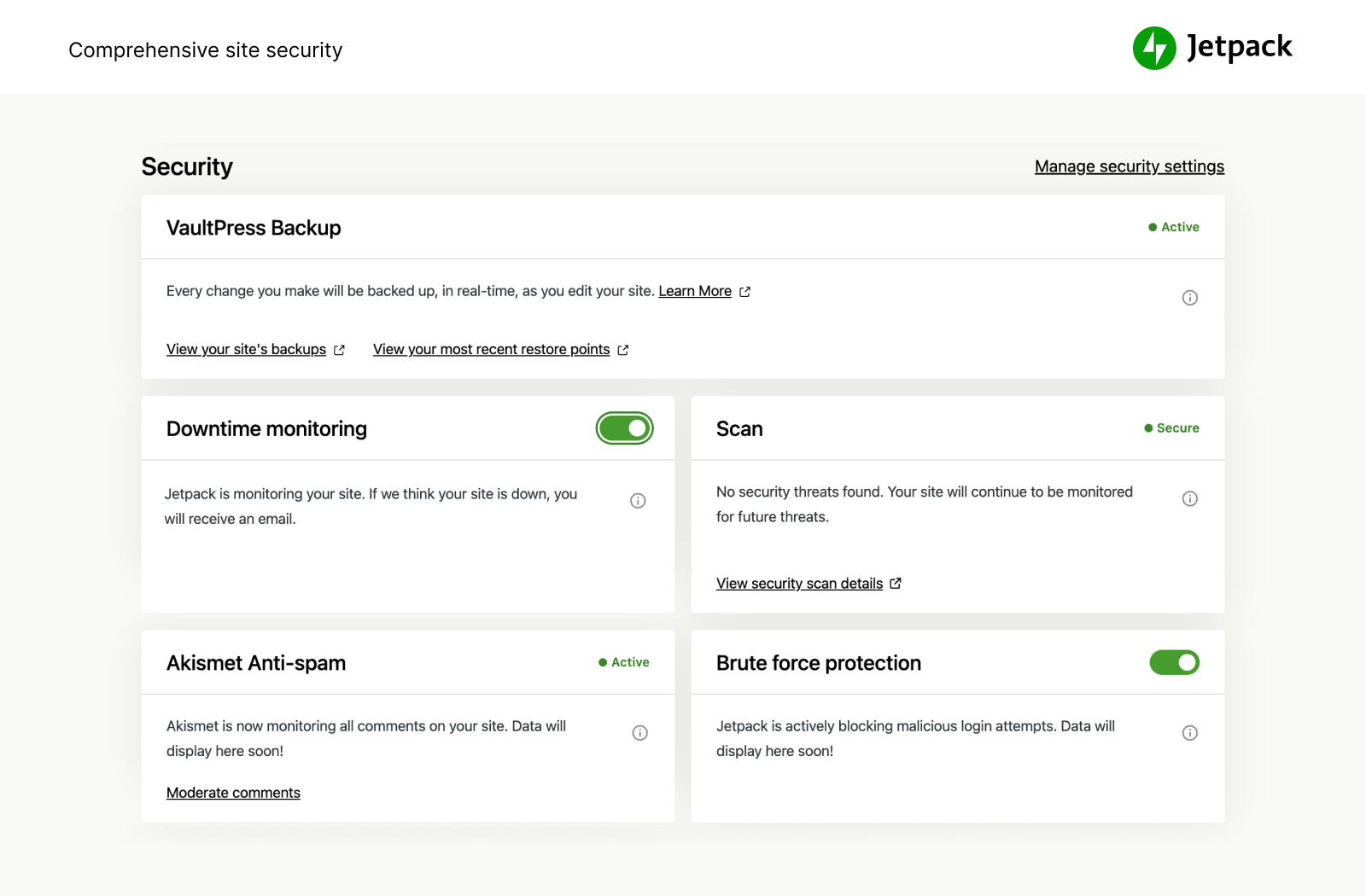
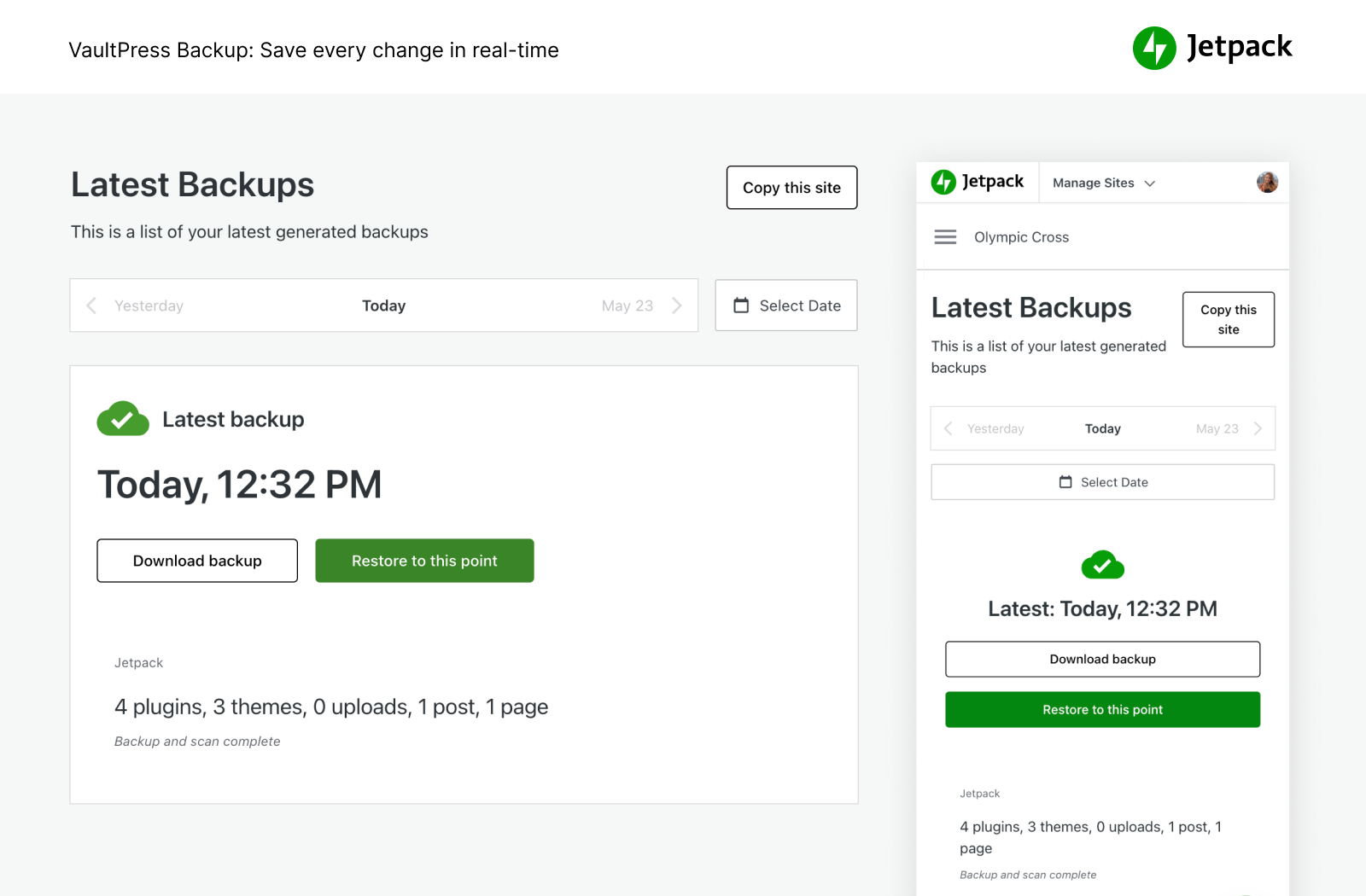
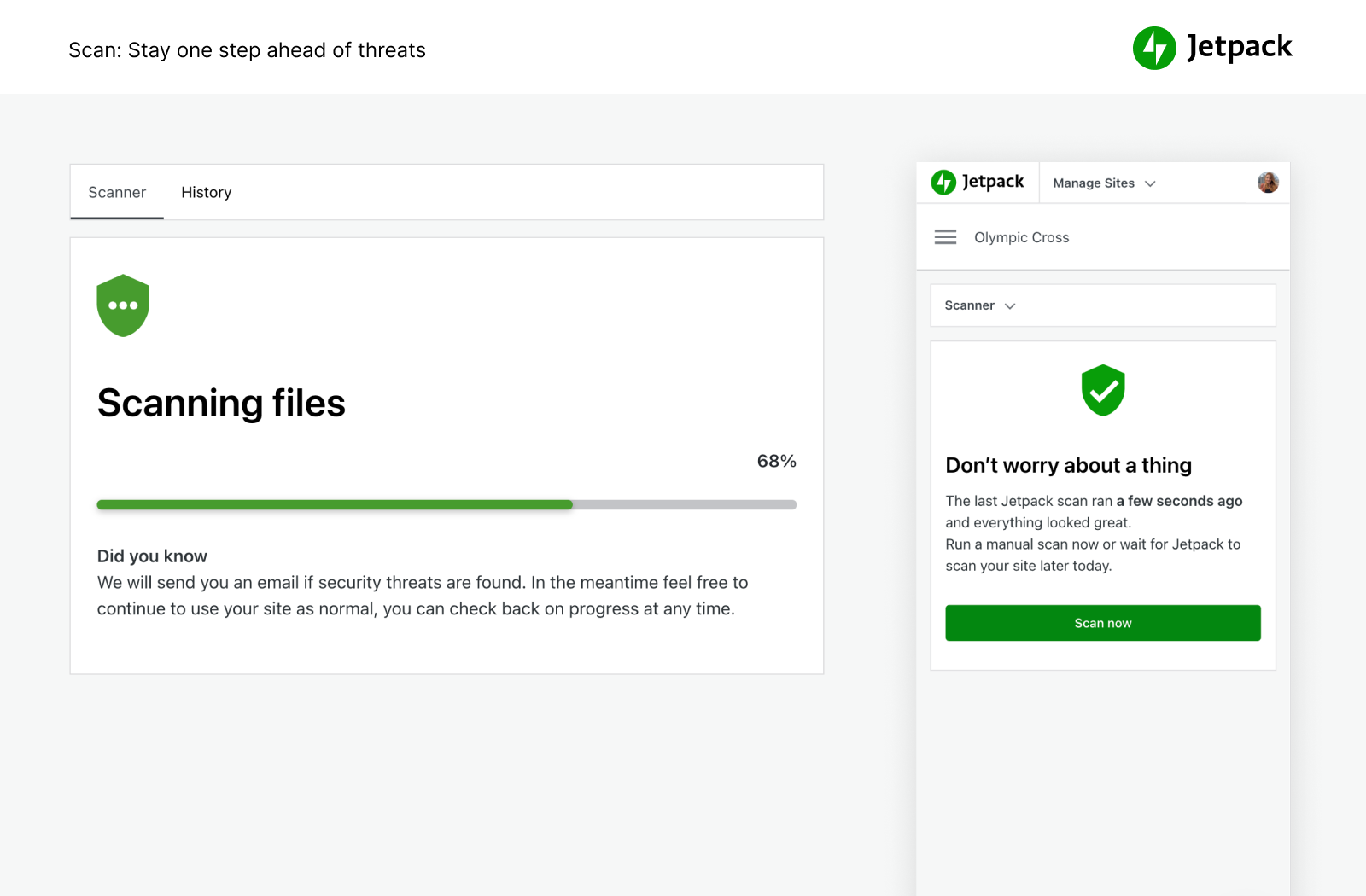
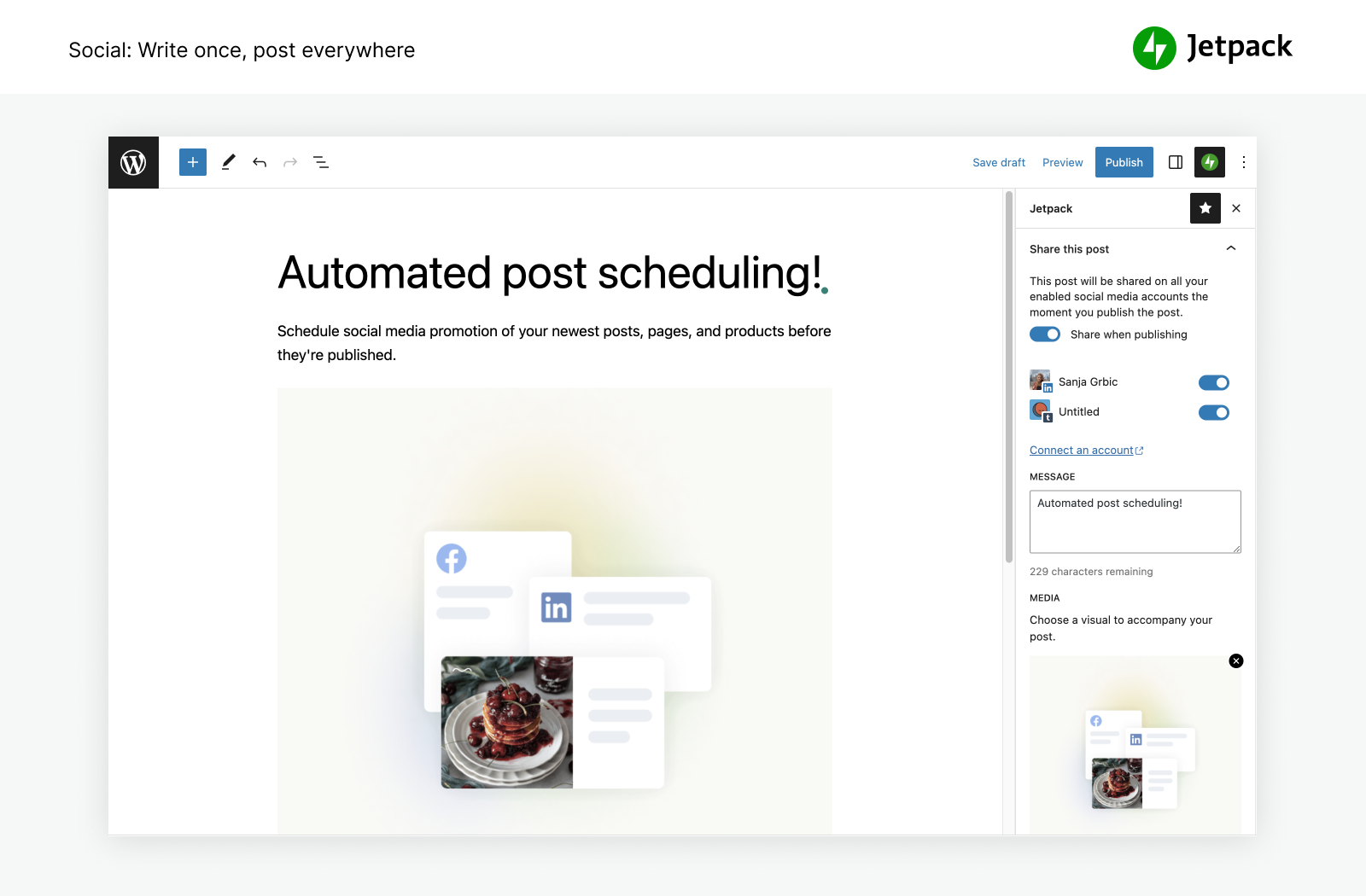
Try Jetpack live
Press play to start a private, throwaway WordPress site in your browser with Jetpack version 16.2 already installed. Nothing is saved and nothing touches your own site: close the page and it disappears.
Real user ratings
Score
3.7/5
Reviews
2,406
Active installs
3,000,000+
Downloads
514.7M
Latest version
16.3.1
Last updated
2026-10-12
These figures come straight from the public WordPress.org plugin directory API for version 16.3.1, not from us. Check them yourself on the WordPress.org listing. Our own editorial score is 3.7/5.
Where Jetpack ranks elsewhere
| Publisher | List | Position |
|---|---|---|
| Kinsta | Best WordPress Security Plugins | #10 of 22 |
Positions are read from the published articles themselves, so they reflect that publisher's order rather than ours. Lists get re-ordered over time, so follow the link if you want the current version.
What changed in the latest version
Jetpack does not publish a changelog we can read automatically, so check the vendor's own release notes before you update a live site.
Pros and cons
- One plugin replaces several smaller ones
- A free tier you can trial before paying
- Actively maintained and used on production sites we test
- It loads a lot of modules, so switch off everything you do not use
- The features most sites need sit in the paid tier
How to use it
- 1Record a baseline with our speed test before you change anything.
- 2Activate the plugin with its default settings and clear every cache layer.
- 3Re-run the test on the same page and template to see the real delta.
- 4Turn on one optimisation group at a time, testing after each change.
- 5Add exclusions for cart, checkout and logged-in pages.
How it compares
Other performance plugins we recommend, with their rating and pricing model.
| Plugin | Our rating | WordPress.org | Pricing | Best for |
|---|---|---|---|---|
| Jetpack | 3.7 | 3.7 (2,406) | Freemium | One plugin replaces several smaller ones |
| AMP | 3.9 | 3.8 (367) | Free | Very fast mobile pages by construction |
| Autoptimize | 4.7 | 4.7 (1,428) | Free | Free asset optimisation that pairs with any cache |
| Breeze | 3.6 | 3.6 (133) | Free | Works well on Cloudways servers with Varnish |
| Hummingbird | 4.7 | 4.7 (1,488) | Freemium | The scan explains each fix in plain language |
| WP Super Cache | 4.3 | 4.3 (1,346) | Free | Simple, dependable static caching with no licence |
Guides that cover Jetpack

8 Best Brute Force Security Plugins for WordPress in 2026
Good brute force defence blocks automated login attempts without locking out real administrators. That takes layers, not one plugin.
Updated 10 September 2026

6 Best AI Writing Plugins for WordPress in 2026
AI writing tools can speed up outlines, summaries, metadata and first drafts, but a named human still owns accuracy, evidence and editorial judgement.
Updated 10 September 2026
Alternatives
Other performance plugins
AMP
AMP Project
The official plugin that generates Accelerated Mobile Pages versions of your content for stripped-back mobile delivery.
367 reviews · 16.7M downloads · v2.5.5
Autoptimize
Optimizing Matters
Aggregates and minifies CSS and JavaScript, inlines critical CSS and defers what is not needed for first paint.
1,428 reviews · 44.8M downloads · v3.1.17
Breeze
Cloudways
Cloudways' free cache plugin with file, database and Varnish level caching plus basic asset minification.
133 reviews · 18.4M downloads · v2.6.3