
MailOptin
by MailOptin
Opt-in forms plus automated newsletters that email subscribers when you publish.
This link may earn us a commission. It never changes our rating.
What MailOptin does
Opt-in forms plus automated newsletters that email subscribers when you publish.
It sits in the email capture part of a WordPress stack and is sold by MailOptin on a freemium basis. We recommend it in our email capture guides because it does that one job well without asking you to rebuild the rest of the site around it.
Every plugin adds work to a page request, so treat this as a decision with a cost. Record a speed test before you install it and run the same test afterwards, on the same page, so you know exactly what it charged you.
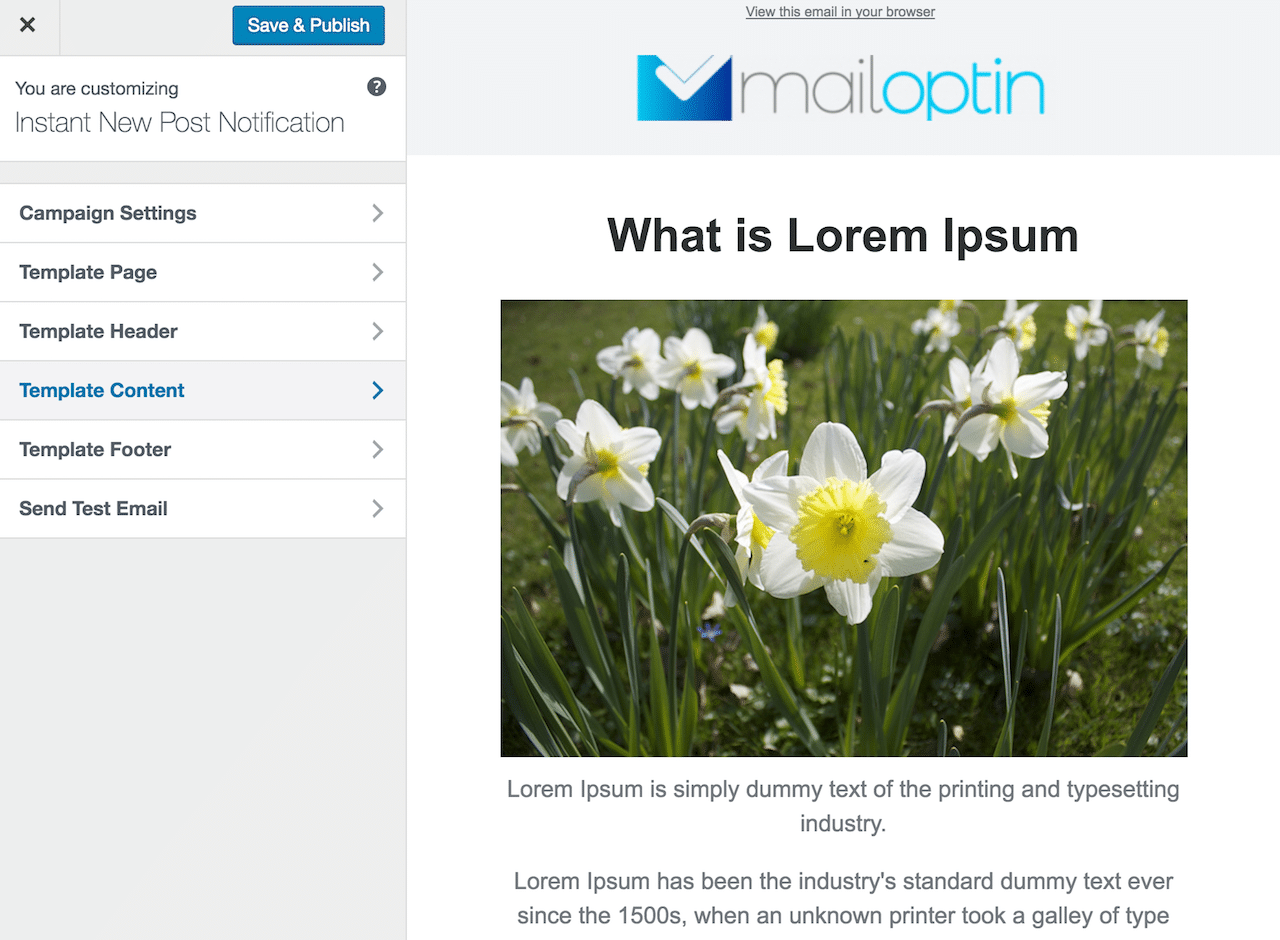
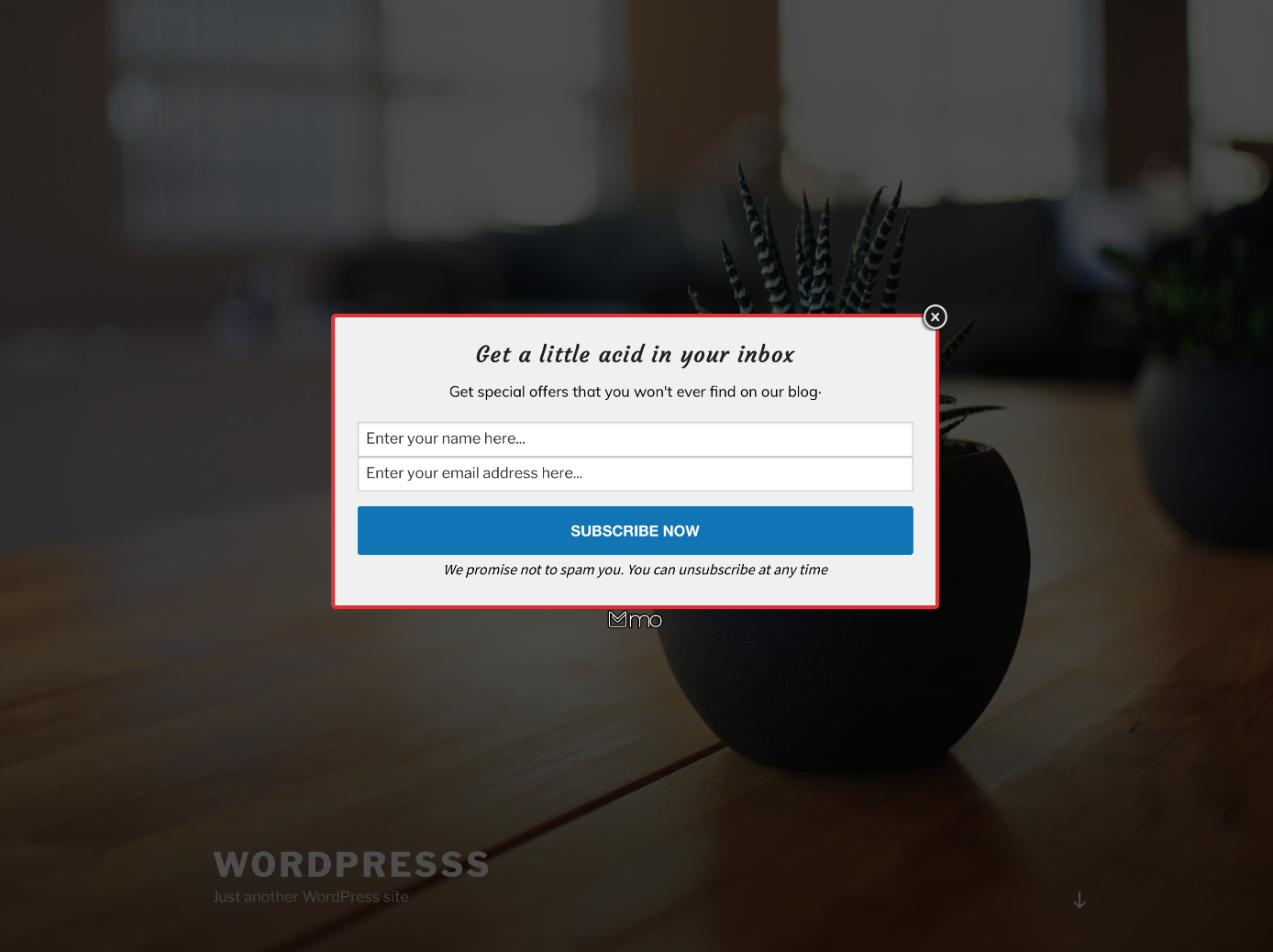
What MailOptin looks like
Official screenshots from the WordPress.org plugin directory, as published by the plugin authors.


Try MailOptin live
Press play to start a private, throwaway WordPress site in your browser with MailOptin version 1.2.78.3 already installed. Nothing is saved and nothing touches your own site: close the page and it disappears.
Real user ratings
Score
4.8/5
Reviews
438
Active installs
10,000+
Downloads
2.5M
Latest version
1.2.78.7
Last updated
2026-10-13
These figures come straight from the public WordPress.org plugin directory API for version 1.2.78.7, not from us. Check them yourself on the WordPress.org listing. Our own editorial score is 4.3/5.
Where MailOptin ranks elsewhere
MailOptin does not appear in the published "best of" lists we track from WPBeginner, TechRadar, Kinsta, Themeisle and similar sites. That is not a mark against it - those roundups are short and skew towards the biggest names.
What changed in the latest version
- Fixed Fatal PHP error when sending.
- Improved security of license upgrader.
- Upgraded internal PHP dependencies.
- Added mo_leadbank_lead_data filter to lead bank payload.
- Fixed XSS in optin block.
- Fixed Mailchimp lead subscription bug due to an invalid IP address.
Release notes are the developer's own words, published on WordPress.org. Read the full changelog
Pros and cons
- Capture and send in one plugin
- A free tier you can trial before paying
- Actively maintained and used on production sites we test
- Free tier is quite limited
- The features most sites need sit in the paid tier
How to use it
- 1Install on a staging copy first if the site takes money.
- 2Work through the setup wizard and connect any external accounts it needs.
- 3Configure the one feature you installed it for, and leave the rest off.
- 4Test the result as a logged-out visitor on both mobile and desktop.
- 5Re-run our speed test to confirm the plugin has not cost you load time.
How it compares
Other email capture plugins we recommend, with their rating and pricing model.
| Plugin | Our rating | WordPress.org | Pricing | Best for |
|---|---|---|---|---|
| MailOptin | 4.3 | 4.8 (438) | Freemium | Capture and send in one plugin |
| Bloom | 4.2 | n/a | Premium | Large, attractive template set |
| Convert Pro | 4.4 | n/a | Premium | Genuinely visual editing |
| OptinMonster | 4.6 | 4.3 (821) | Premium | Best targeting and exit-intent rules |
| Thrive Leads | 4.5 | n/a | Premium | Built-in split testing |
Guides that cover MailOptin

Alternatives
Other email capture plugins
Bloom
Elegant Themes
Elegant Themes' opt-in plugin with six display types and a large template library.
Convert Pro
Brainstorm Force
Popup and opt-in builder with a visual editor, multi-step forms and behaviour triggers.
OptinMonster
Awesome Motive
Hosted campaign builder for popups, slide-ins and floating bars with exit intent and page-level targeting.
821 reviews · 134.8M downloads · v2.17.1