
WP Mail SMTP
by WPForms
Routes WordPress email through an authenticated SMTP or API provider so notifications stop landing in spam.
This link may earn us a commission. It never changes our rating.
What WP Mail SMTP does
Routes WordPress email through an authenticated SMTP or API provider so notifications stop landing in spam.
It sits in the email delivery part of a WordPress stack and is sold by WPForms on a freemium basis. We recommend it in our email delivery guides because it does that one job well without asking you to rebuild the rest of the site around it.
Every plugin adds work to a page request, so treat this as a decision with a cost. Record a speed test before you install it and run the same test afterwards, on the same page, so you know exactly what it charged you.
What WP Mail SMTP looks like
Official screenshots from the WordPress.org plugin directory, as published by the plugin authors.

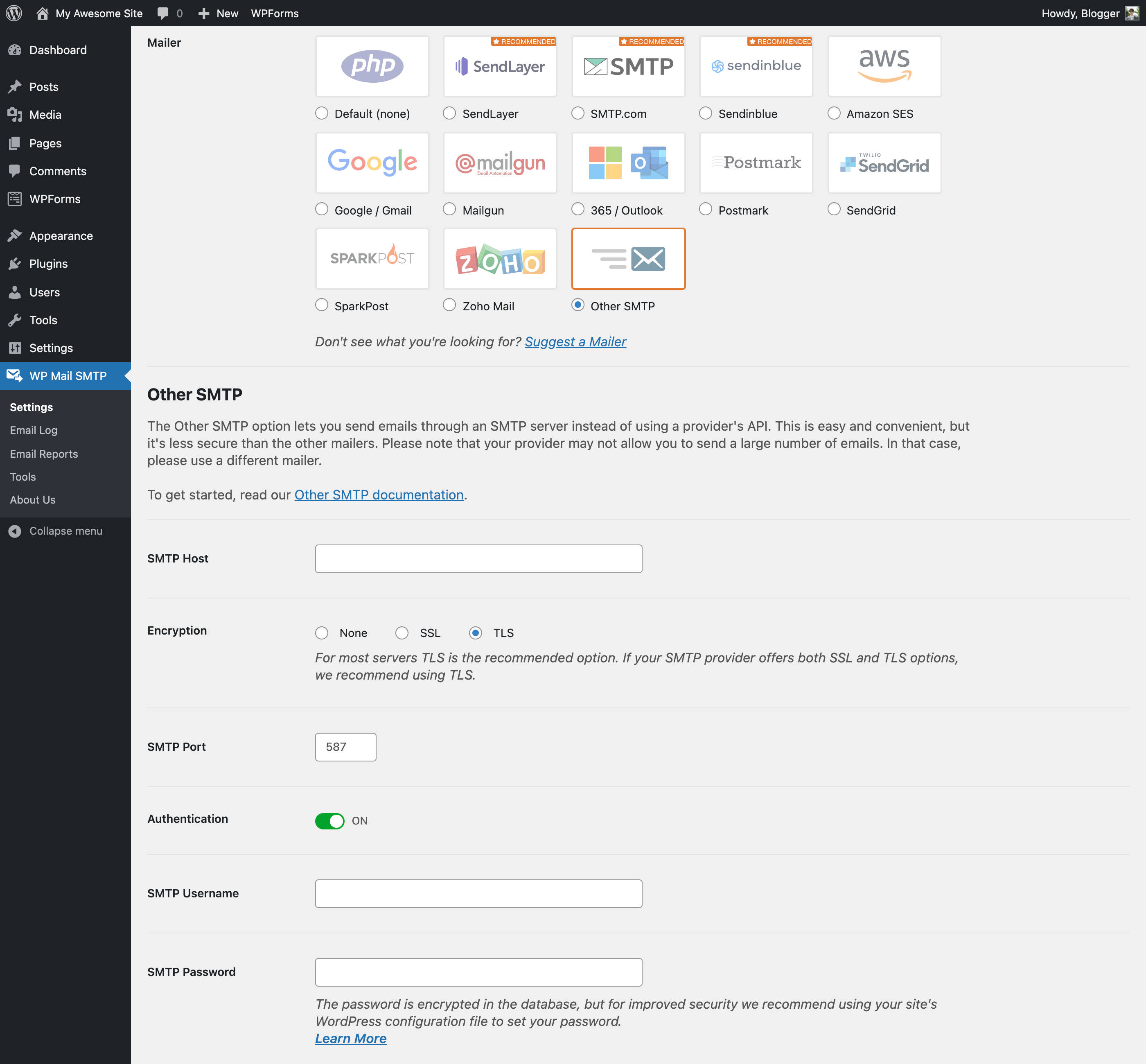
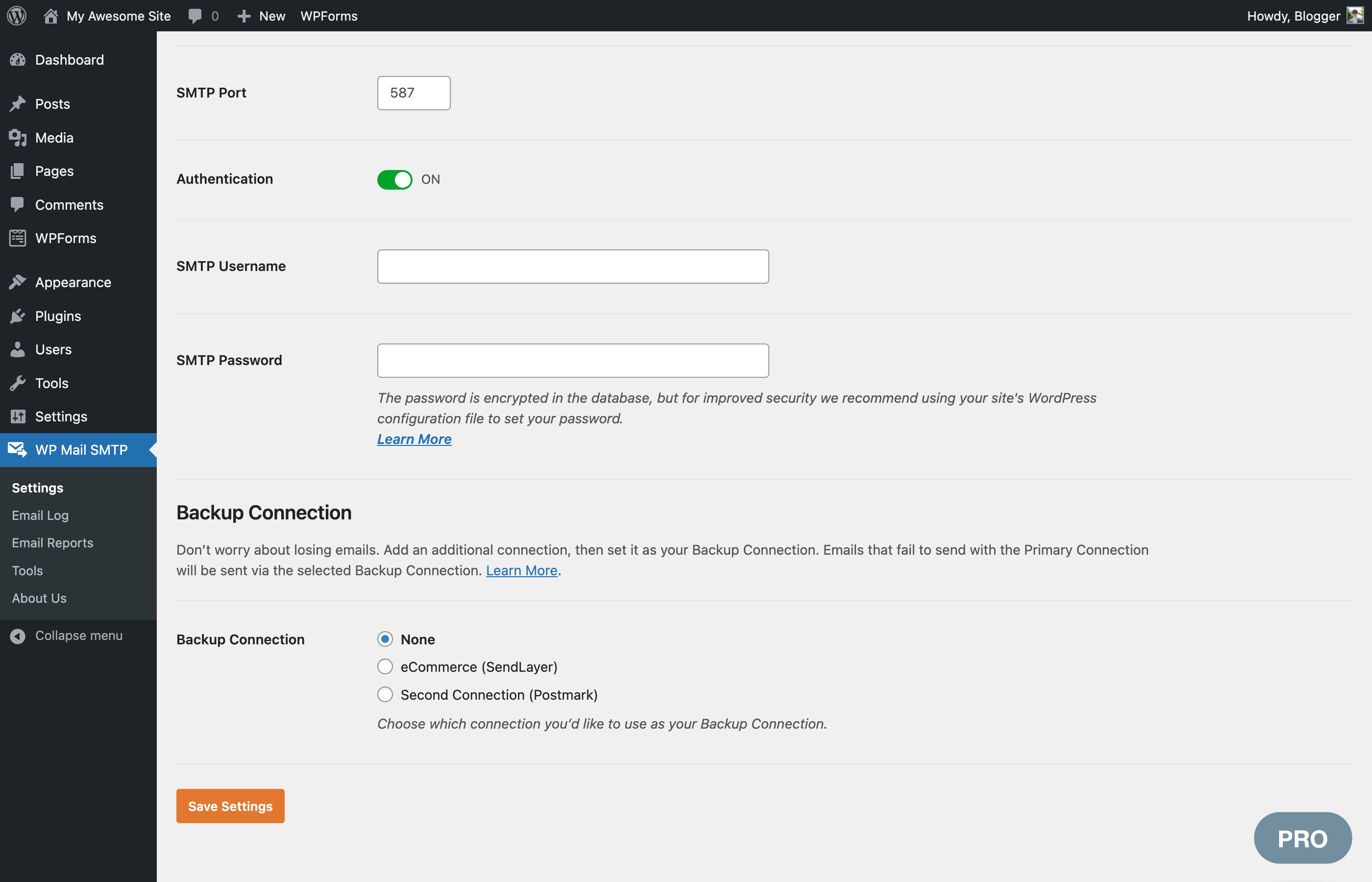
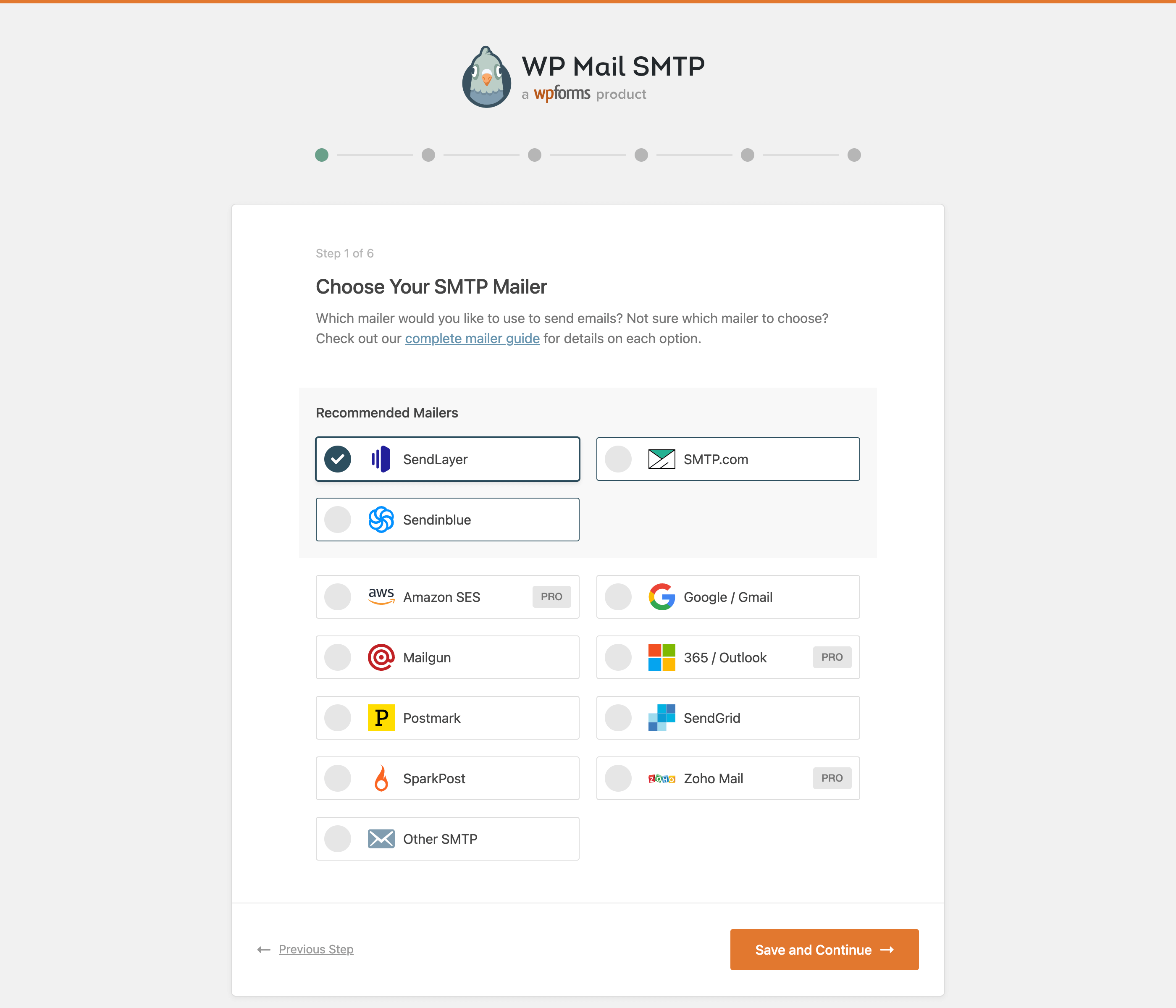
Try WP Mail SMTP live
Press play to start a private, throwaway WordPress site in your browser with WP Mail SMTP version 4.9.0 already installed. Nothing is saved and nothing touches your own site: close the page and it disappears.
Real user ratings
Score
4.8/5
Reviews
5,208
Active installs
4,000,000+
Downloads
90.1M
Latest version
4.10.3
Last updated
2026-10-20
These figures come straight from the public WordPress.org plugin directory API for version 4.10.3, not from us. Check them yourself on the WordPress.org listing. Our own editorial score is 4.8/5.
Where WP Mail SMTP ranks elsewhere
| Publisher | List | Position |
|---|---|---|
| WPBeginner | Must Have WordPress Plugins for Every Website | #21 of 24 |
| Elegant Themes | Best WordPress Plugins | #24 of 40 |
Positions are read from the published articles themselves, so they reflect that publisher's order rather than ours. Lists get re-ordered over time, so follow the link if you want the current version.
What changed in the latest version
- Added: WP-CLI commands to configure WP Mail SMTP from the command line, including SMTP and API-key mailer setup and individual setting management.
- Added: Code Snippets tab on the Tools page to browse, preview, and install WP Mail SMTP's WPCode snippets.
- Added: Support for the WordPress Abilities API (WordPress 6.9), letting connected tools and AI assistants securely read your debug events.
- Added: A one-click option to deactivate a conflicting plugin directly from the conflict notice.
- Added: Confirmation prompt before enabling the "Hide Email Delivery Errors" option, so the setting is not turned on by accident.
- Changed: Improved error handling and troubleshooting guidance when an email fails to send.
- Changed: Updated Action Scheduler library to 4.0.0.
- Fixed: The "Last week" stat in the Lite weekly summary email showed the just-started current week's count instead of the actual previous week's total, because the email is sent on Monday at 2pm.
- Added: SendLayer Quick Connect - allows connecting to SendLayer without DNS setup in 2 minutes.
- Changed: Improved plugin security.
- Added: WordPress playground blueprint file. Fixed: Text domain in a couple of strings. Changed: Switched Return-Path option to enabled by default to align with WordPress core.
Release notes are the developer's own words, published on WordPress.org. Read the full changelog
Pros and cons
- Most provider integrations, clear setup wizard
- A free tier you can trial before paying
- Actively maintained and used on production sites we test
- Logging and alerts are premium
- The features most sites need sit in the paid tier
How to use it
- 1Choose a sending provider and verify your sending domain.
- 2Add SPF, DKIM and DMARC records at your DNS host.
- 3Connect the plugin with an API key rather than a password where possible.
- 4Send a test email and check the headers for a pass on all three records.
- 5Enable logging so you can prove delivery later.
How it compares
Other email delivery plugins we recommend, with their rating and pricing model.
| Plugin | Our rating | WordPress.org | Pricing | Best for |
|---|---|---|---|---|
| WP Mail SMTP | 4.8 | 4.8 (5,208) | Freemium | Most provider integrations, clear setup wizard |
| Easy WP SMTP | 4.5 | 4.6 (709) | Freemium | Fast, minimal setup |
| FluentSMTP | 4.8 | 4.8 (408) | Free | Logging and multi-provider routing at no cost |
| Gmail SMTP | 4.4 | 4.1 (103) | Free | Free for low-volume Google users |
| Post SMTP | 4.6 | 4.7 (528) | Freemium | Strong logging and failure alerting |
Guides that cover WP Mail SMTP

Alternatives
Other email delivery plugins
Easy WP SMTP
SendLayer
A simple SMTP configuration plugin for sites that just need authenticated sending set up quickly.
709 reviews · 14.8M downloads · v2.15.1
FluentSMTP
WPManageNinja
A completely free SMTP plugin with routing rules, logging and support for the major sending APIs.
408 reviews · 5.8M downloads · v2.4.1
Gmail SMTP
Naa986
Sends WordPress mail through a Gmail or Google Workspace account using OAuth.
103 reviews · 759K downloads · v1.2.3.22