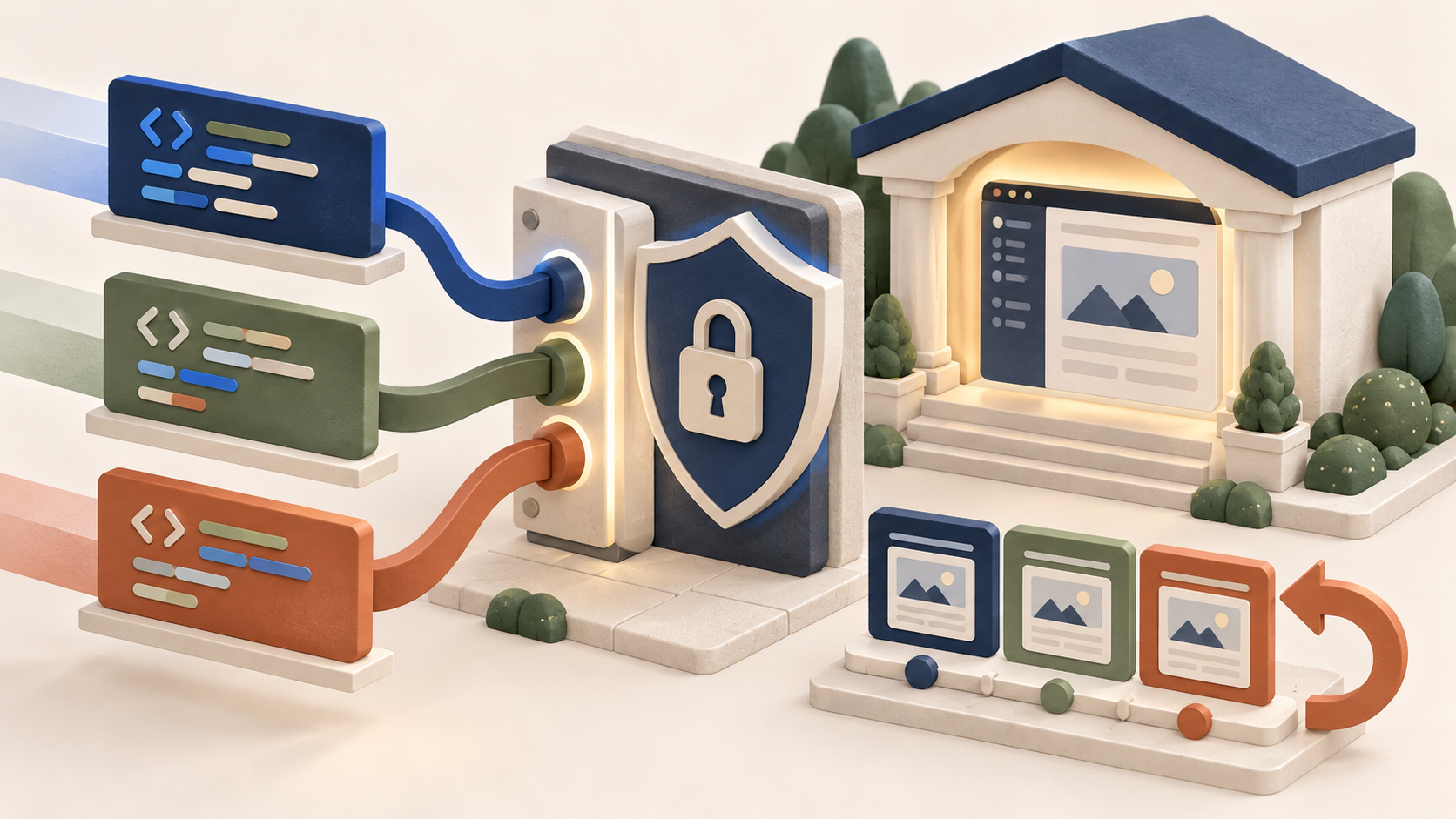
Offline forms preserve work when a connection becomes unreliable, then submit or synchronise the entry after service returns. The right choice depends on where data is stored, how conflicts are handled and whether users need a browser form or a dedicated field app.
How this guide was produced
Documented features reviewed on 10 September 2026. Offline behaviour varies by add-on tier and device, so test it on the hardware your team uses.
Six options at a glance
| Tool | Best fit | First thing to verify |
|---|---|---|
| WPForms | WordPress sites needing resilient lead forms | Offline Forms add-on tier and browser behaviour |
| Form.io | Developer-led offline applications | Deployment model and sync design |
| Zoho Forms | Teams already using Zoho | Mobile app features and storage policy |
| Formstack | Managed business data collection | Offline availability and compliance needs |
| Formplus | No-code field data projects | Offline collection limits and integrations |
| FastField Forms | Inspection and field service teams | Device support, sync rules and plan cost |
How we assessed them
We compared offline capture, autosave, reconnection behaviour, duplicate prevention, conflict handling, mobile access, encryption, permissions, exports, integrations, accessibility, audit records and deletion controls.
Test where the connection actually fails
- Airplane mode, a closed browser and a device restart
- Repeated submissions, expired sessions and attachments
- Two edits to the same record
- Show a clear saved state, and a separate confirmation only once the server accepts the entry
Read next
- Typeform alternatives - conversational and standard form builders
- Mobile-friendly plugins - field work happens on phones
- Free SMTP plugins - so submissions reach the inbox
- Run a live speed test - form scripts on slow networks
Where to get these
Direct links to the official plugin, theme and store pages for everything named above. Prices and plans are set by the vendor, and some links may earn us a commission.
Common questions
Are save and resume and offline mode the same?
No. Save and resume usually stores a draft on a server after a successful connection. Offline mode preserves work before the server is reachable.
Where does offline data live?
In browser storage, an app database or an encrypted device store. Check the product design against your privacy obligations.
Can an offline form accept payments?
It can preserve non-payment details, but card authorisation normally needs a live connection. Explain that boundary before submission.
Fast WordPress editorial
Independent research edition · Published 10 September 2026. We update field guides when a plugin's documented capabilities change.